Solar Security Cameras for Your Home or Farm: Which One Do You Need?
No socket at the gate and no WiFi at the barn? Compare 4G and WiFi solar cameras, see where each works, and pick the right one before you spend.
What matters in practice:
- Choose 4G where there is no internet, WiFi where your router reaches — and neither where the spot sits in deep shade.
- A solar camera catches events, not every second. Non-stop recording still needs a mains camera.
- 3 to 4MP suits most gates and homes. Test signal and sunlight at the exact spot before you drill.
No power socket near the gate. No WiFi at the barn. Power cuts that switch your cameras off at the exact moment you need them. If that sounds familiar, a solar camera may solve the problem. It may also be the wrong choice, and this guide will help you tell the difference before you spend anything.
The short answer
Choose a 4G solar camera if the spot is far from your router or you have no internet. Choose a WiFi solar camera if your router's signal reaches the spot strongly. Choose neither if the spot is deep in shade all day, because a solar camera needs light to stay alive.
How a solar camera really works
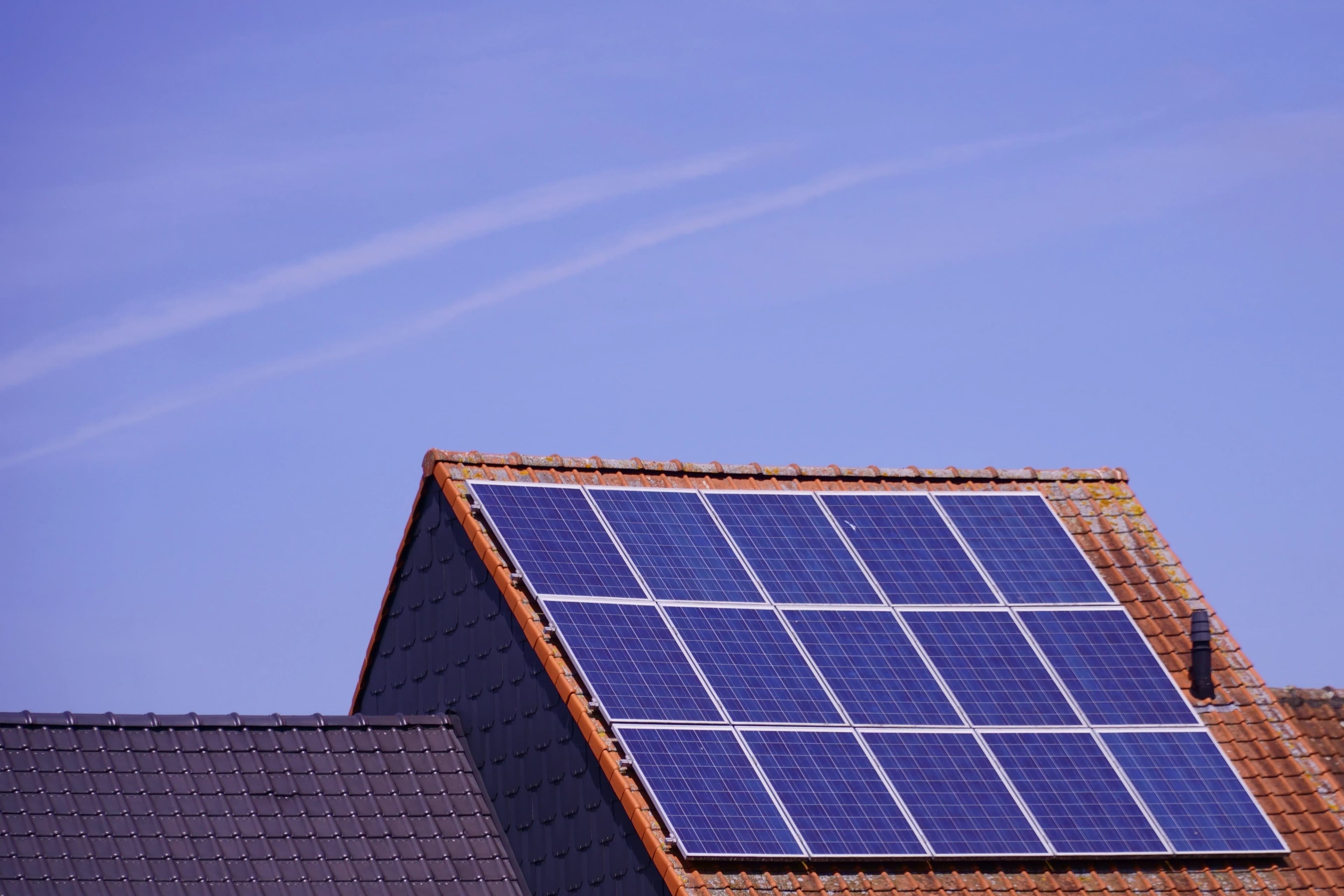
A solar camera is a battery camera with a small solar panel that keeps the battery topped up. Most models spend their time asleep, wake when a built-in motion sensor detects movement, record a clip, send you an alert, and go back to sleep. That is how they run for months or years without wiring.
This explains the main trade-off. A solar camera is excellent at catching events, but it is not designed to record every second like a cabled camera. If you need non-stop recording, you want a mains camera. If you need a camera where no mains exists, you want solar.
4G or WiFi: the first decision
| Your situation | Best choice |
|---|---|
| Farm, plantation or land with no internet | 4G solar |
| Gate or boundary far from the house | 4G solar |
| Home with strong WiFi reaching the spot | WiFi solar |
| Frequent power cuts but stable internet | WiFi solar (keep the router on backup power) |
| Want the lowest running cost | WiFi solar |
| Weak signal of every kind at the spot | Neither, and you may need a signal booster or a different location |
What a 4G solar camera gives you
- Works wherever there is a mobile signal, with no router, cables or mains
- Suits remote farms, plantations, fuel yards and temporary sites
- Costs more upfront, and you pay for a SIM data plan
- Depends on network quality at the exact spot
What a WiFi solar camera gives you
- Lower price and no data plan
- Smoother live viewing on a good connection
- Only works within your router's reach, and walls and distance weaken the signal
- Depends on your router having power and internet
Where solar cameras work well
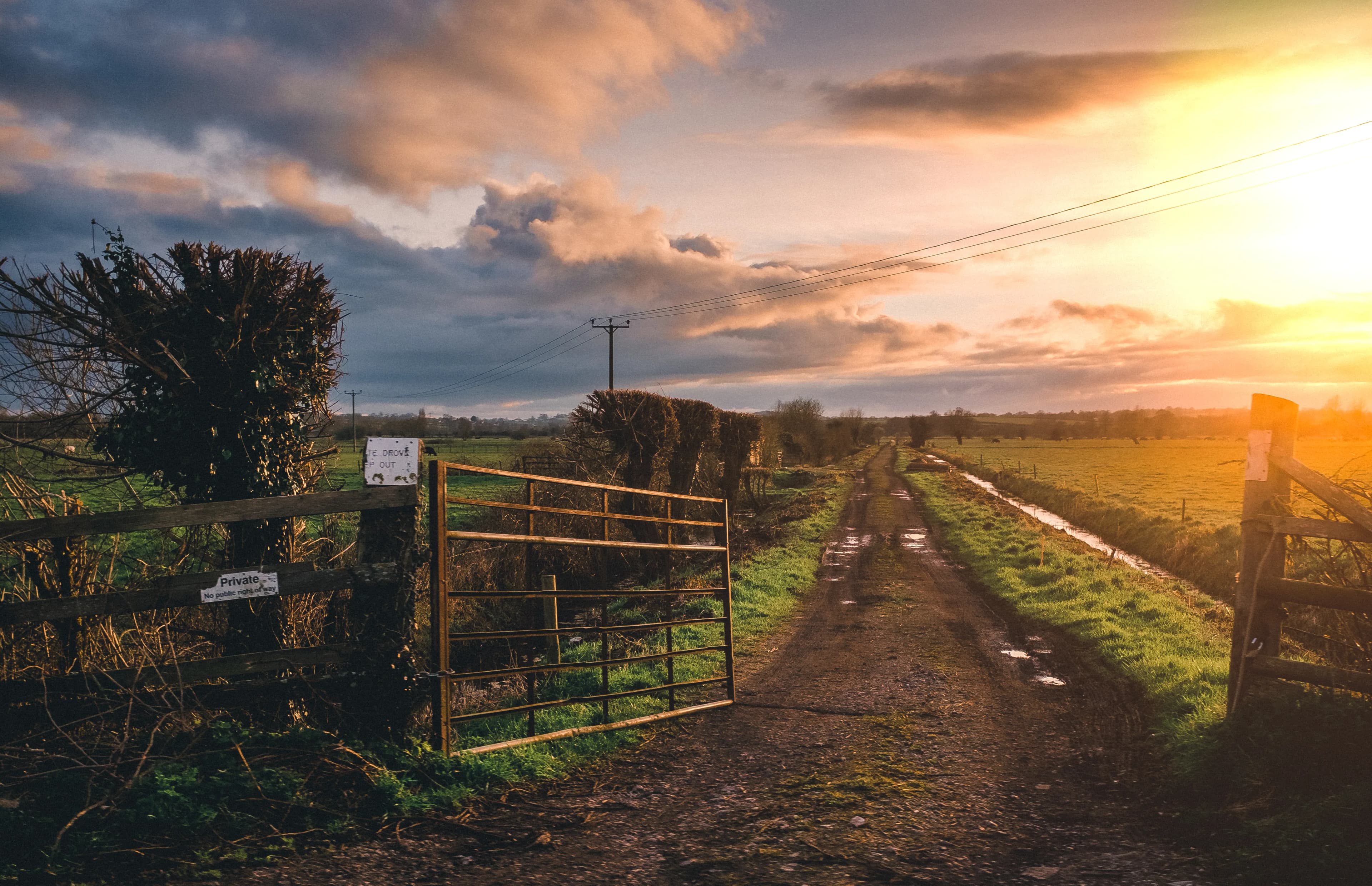
Farm gates, barns, fuel and chemical stores, boundary walls, driveways, back gardens, compound corners, rental properties where drilling for cables isn't allowed, and anywhere power is unreliable.
Where they struggle
- Spots in heavy shade, since the panel needs direct daylight for a few hours each day
- Places where you need continuous recording
- Very busy areas, such as a main road, where constant motion drains the battery
- Sites with no mobile signal (4G models) or no WiFi (WiFi models)
Resolution: pick it by the job
Most buyers do well with 3 to 4MP. Use 2MP on a quiet back wall to save battery and data, and use 4MP at the gate where you want to identify faces and vehicles. Our resolution guide explains the numbers.
Check these before you buy
- Battery size, and how many days it runs with no sun
- Panel wattage, and whether the panel is included
- For 4G: which networks and bands it supports
- Where recordings go: SD card, cloud, or both, and what the cloud costs
- Whether the panel can be mounted separately from the camera
- Warranty, and whether the battery can be replaced
Keep it running
Clean the panel about once a month, aim it toward the brightest sky, keep it clear of shade, and lower motion sensitivity so wind and passing traffic don't drain the battery. Most "my camera went offline" problems trace back to one of these.
Frequently asked questions
Can I just put a solar panel on a normal camera? Not reliably. Solar cameras are built around low-power sleeping, a matched battery and a charge controller. A normal camera draws power all the time and would flatten a small panel quickly.
Do solar cameras work in the rain? Yes, if they carry a suitable weather rating. Charging slows on dull days, and the battery covers the gap.
Will it record everything? Usually only motion events. This saves power but means it is not a replacement for a non-stop recorder.
Not sure which one you need? Tell us where you want to install it, how far it is from your router, and how strong your phone signal is there, and we'll recommend a model.
Related reading: 4G or WiFi Solar Camera: Which Fits Your Property? | Will a Solar Camera Work on Cloudy Days and at Night? | Protecting a Farm with Solar Cameras
Backspace Business Solutions specifies and installs CCTV and biometric solutions for homes, farms and businesses across Uganda.
Request a free site assessment or message us on WhatsApp with your property details, and we'll tell you which solar camera fits the spot.
Frequently Asked Questions
How many cameras do I need for my business premises?▼
What is the difference between IP and analog CCTV systems?▼
How long is CCTV footage typically stored?▼
Can I access my CCTV cameras remotely?▼
What resolution should I choose for my security cameras?▼
Continue reading
More articles in CCTV & Surveillance →Not sure which of this applies to you?
Reading about a problem is not the same as knowing what yours actually is. The Solution Advisor asks a few questions about your environment and gives you a preliminary technical interpretation — what to check first, and what can probably wait.
Follow Backspace
Field notes from live projects in Kampala and beyond — new guides, failure post-mortems and pricing updates. Pick the channel you use.