Solar or Wireless Camera: Which Should You Buy?
Power and WiFi at the spot? Buy wireless. Neither? Buy solar. Five questions that decide which camera belongs where on your property.
What matters in practice:
- Power and WiFi at the spot? Buy wireless. Neither? Buy solar — most properties end up using both.
- Wireless records continuously but dies with the power — solar survives blackouts but usually records on motion.
- Five questions decide it — power, WiFi, non-stop recording, how often the power fails, and sun.
These are the two most popular camera types, and they solve different problems. Pick the one that matches your property and the spot you need to watch, not the one with the best advert.
The short answer
Can you reach power and WiFi at the camera spot? Buy wireless. If you can't, buy solar. Many properties use both.
Side by side
| Wireless (mains-powered) | Solar | |
|---|---|---|
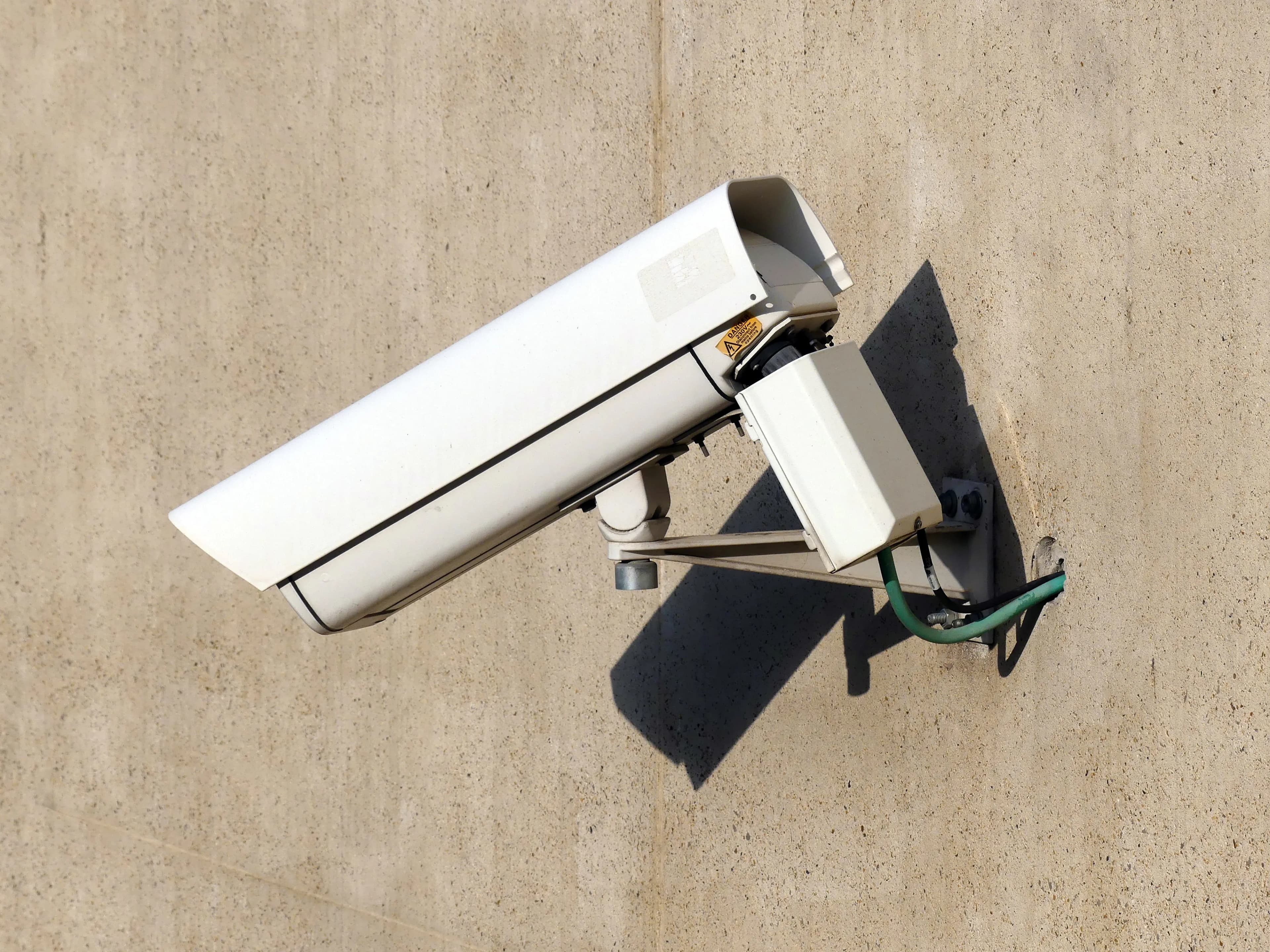
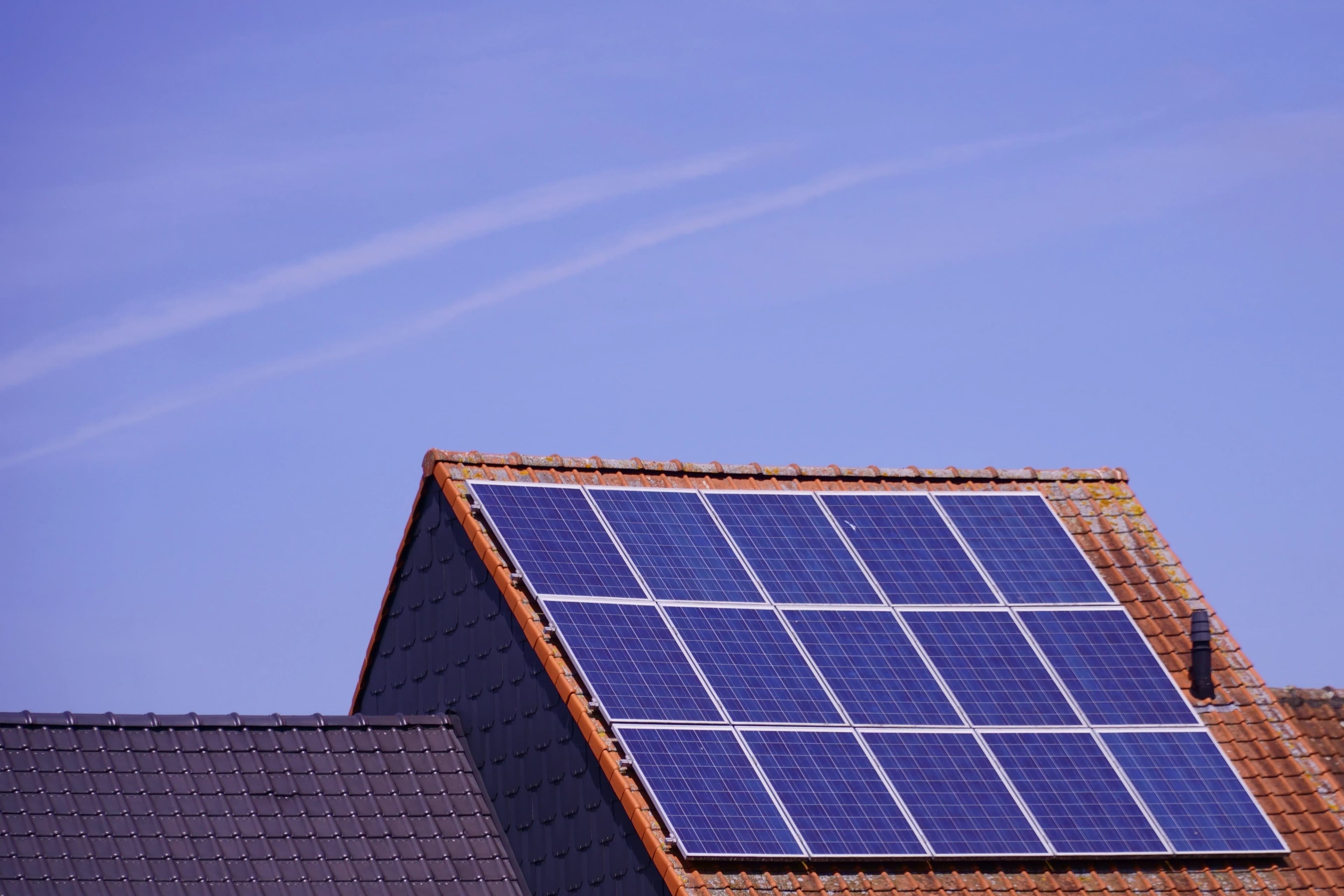
| Power | Plugs into mains | Battery charged by a panel |
| Recording | Can record non-stop | Usually records on motion |
| Runs in a power cut | No, unless you add backup | Yes |
| Location | Needs a socket nearby | Almost anywhere with sun |
| Connection | WiFi | WiFi or 4G |
| Running costs | Electricity, no data plan | None for WiFi, SIM plan for 4G |
| Upfront cost | Lower | Higher |
| Best for | Homes, shops, yards near buildings | Gates, farms, remote spots, unreliable power |
| Weak point | Power and WiFi both must reach | Sun and battery |
Choose wireless if
- There is a power socket close to where the camera will go
- WiFi is strong at the spot
- You want continuous recording
- You want the lowest cost per camera
- You need the best picture quality on a stable connection
Choose solar if
- There is no power at the spot
- Power cuts are common
- The camera is far from the house, such as at a gate, field or boundary
- You want a quick install with no cabling
- You rent and can't run cables
Use both
Many properties use wireless cameras near the buildings and solar cameras at the far gate and boundary. They can often be viewed in the same app.
Five questions to decide
- Is there power at the camera spot?
- Is WiFi strong there?
- Do I need non-stop recording?
- How often does the power go off?
- Does the spot get several hours of sun?
Quick decision table
| Your answers | Suggested type |
|---|---|
| Power yes, WiFi yes | Wireless |
| Power no, WiFi yes, sun yes | WiFi solar |
| Power no, WiFi no, signal yes, sun yes | 4G solar |
| Power yes, WiFi no | Wireless with an access point, or wired |
| Power no, no sun | Reconsider the location |
Examples
| Property | Setup |
|---|---|
| Town house with a front gate and back door | Wireless at the back door, solar at the gate |
| Farm with a house, sheds and remote gate | Wireless in the yard, 4G solar at the gate |
| Shop with a back alley | Wireless inside, solar in the alley |
Common mistakes
- Choosing solar for a spot that has power and WiFi, and paying more than needed
- Choosing wireless for a spot that has no power, then running extension cables
- Forgetting that wireless cameras stop in a power cut
Frequently asked questions
Is solar worth the extra cost? Where there is no power, yes. Where there is, a wireless camera is usually cheaper.
Can I use one app for both? Often, if they are the same brand.
Which is more reliable? Wireless is more reliable for continuous recording on a good network. Solar is more reliable for staying on during power cuts.
Our advice
Tell us where the cameras need to go, and we'll recommend which type goes where.
Related reading
- Solar Security Cameras for Your Home or Farm
- Wireless Security Cameras: What They Can and Can't Do for Your Property
- 4G or WiFi Solar Camera
Next steps
Backspace Business Solutions specifies mains, solar and 4G cameras by position, so each spot gets the type that can actually stay online.
Message us on WhatsApp or request a free site assessment and we will tell you which camera belongs at each point on your property.
Frequently Asked Questions
How many cameras do I need for my business premises?▼
What is the difference between IP and analog CCTV systems?▼
How long is CCTV footage typically stored?▼
Can I access my CCTV cameras remotely?▼
What resolution should I choose for my security cameras?▼
Continue reading
More articles in CCTV & Surveillance →Not sure which of this applies to you?
Reading about a problem is not the same as knowing what yours actually is. The Solution Advisor asks a few questions about your environment and gives you a preliminary technical interpretation — what to check first, and what can probably wait.
Follow Backspace
Field notes from live projects in Kampala and beyond — new guides, failure post-mortems and pricing updates. Pick the channel you use.