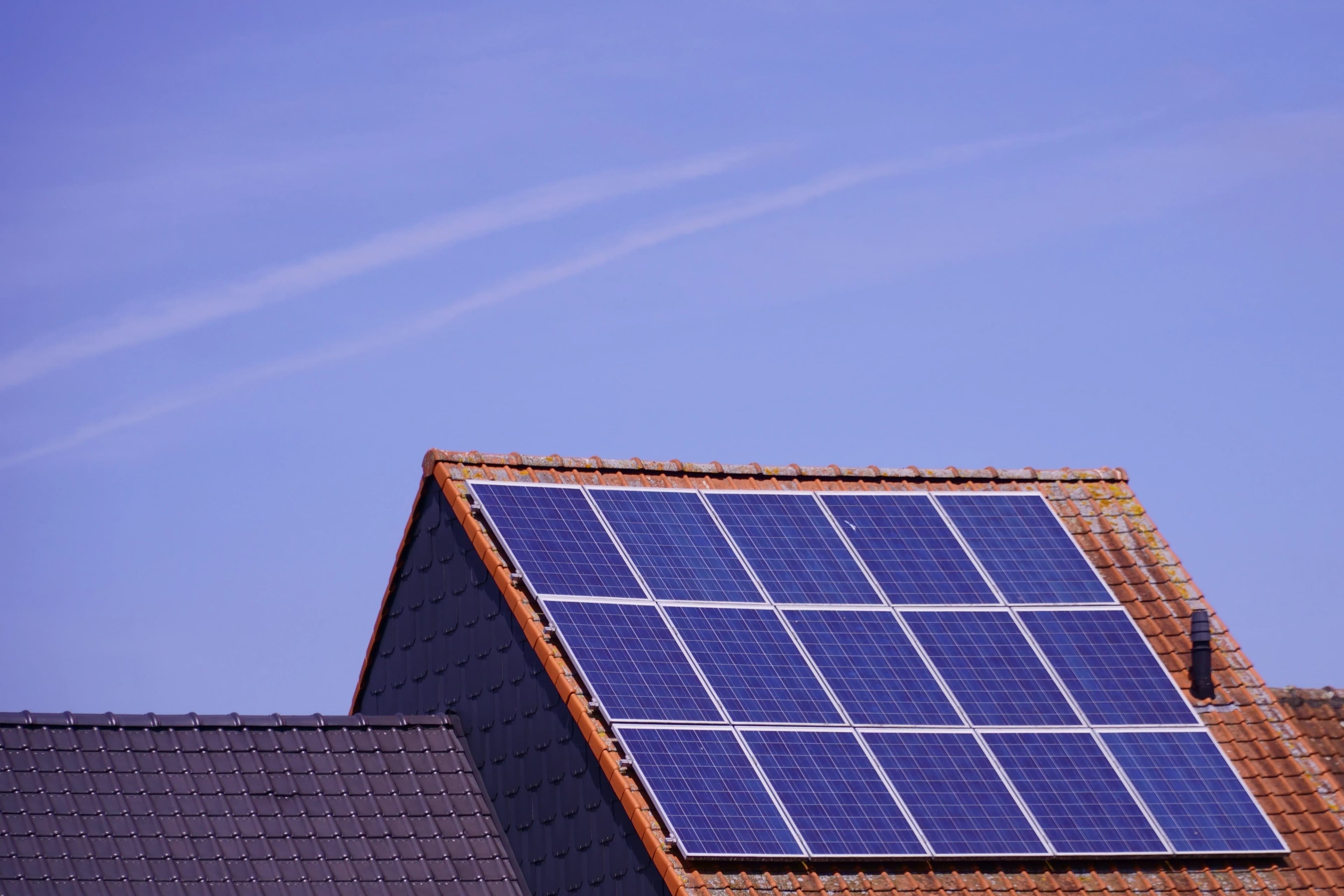
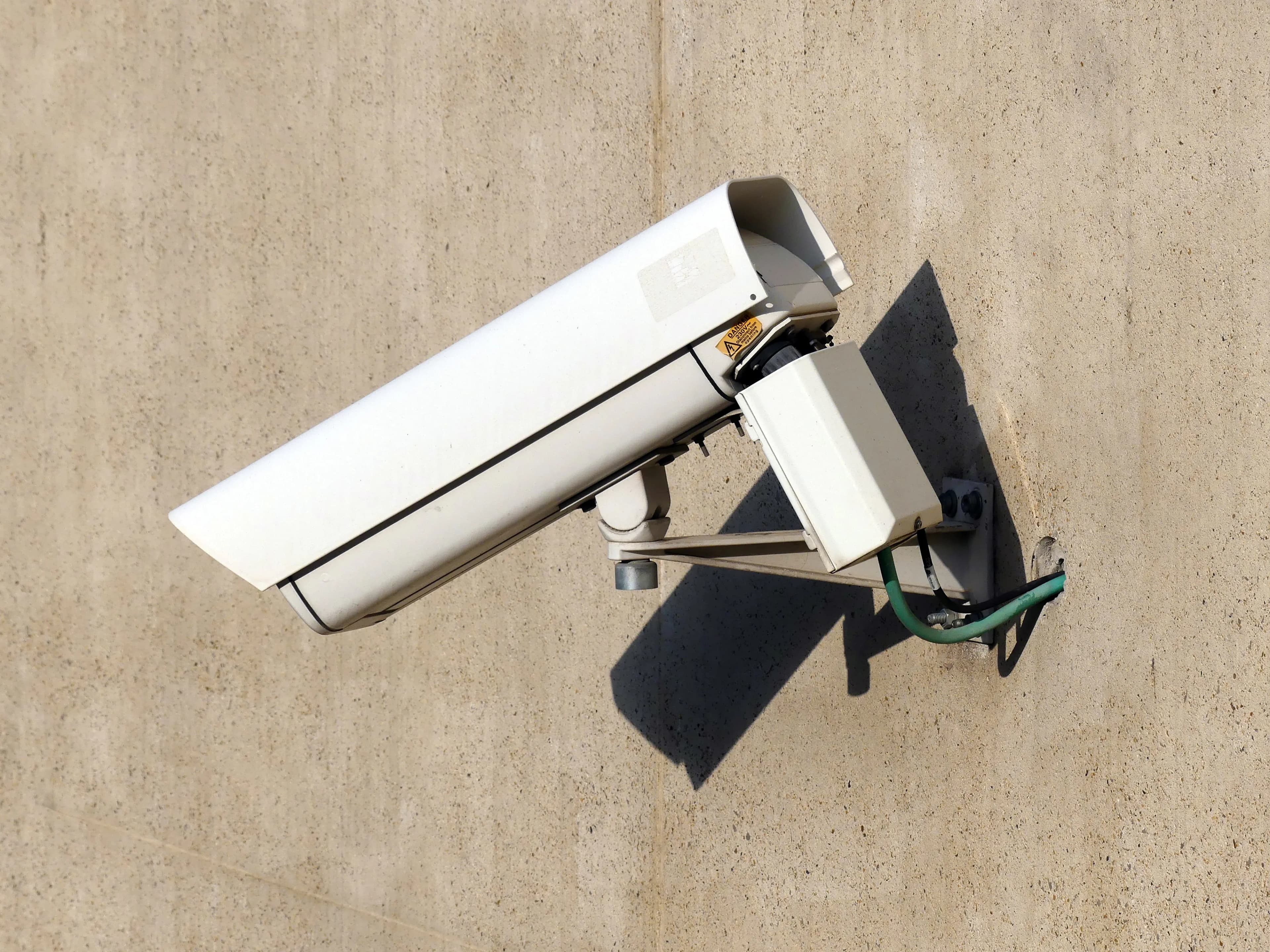
Solar Cameras for Shops, Stores and Rental Properties
Solar cameras suit rentals, shutters and back alleys where you can't run cables. Where they work, where mains wins, and what to check before drilling.
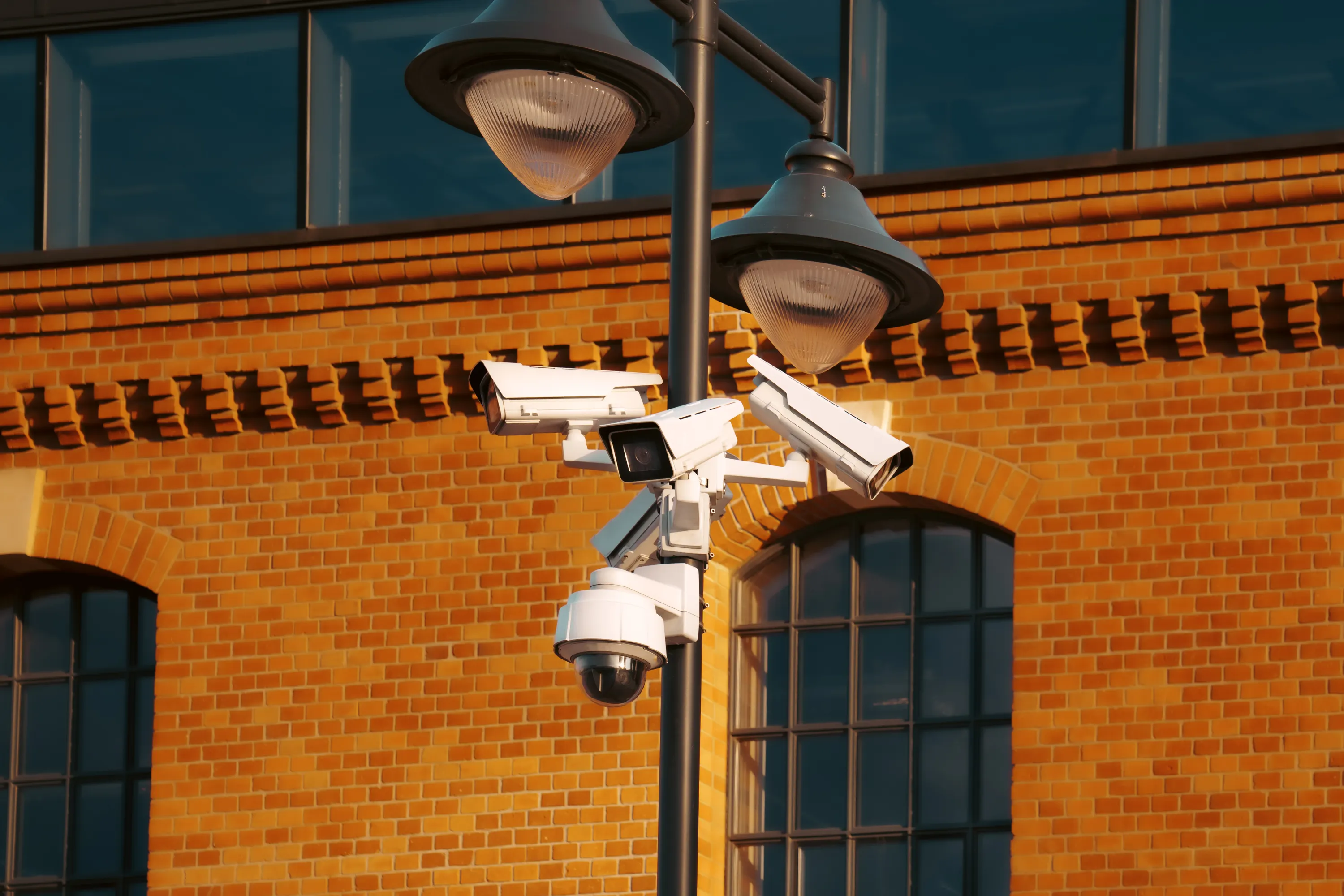
What matters in practice:
- Solar fits where you can't or won't wire: rentals, shutters, back alleys, storage units and temporary sites.
- Keep the till on a mains camera that records non-stop; put solar where there is no socket.
- Check permission, sun hours and signal before you drill — and choose a mount you can take with you.
A shop or a rental property has a different problem from a farm. You may not be allowed to run cables, the power may not be yours to touch, and you may need to take the camera with you when you leave. Solar cameras suit these situations well, with a few limits.
The short answer
A solar camera is a good fit where you can't or don't want to wire anything. It mounts in minutes, needs no mains, and moves with you. For the shop interior and tills, a mains camera is usually the better choice.
Where solar works well
- Rental homes and flats where drilling for cables isn't allowed
- Shop fronts, shutters and loading bays with no power point nearby
- Temporary stores, market stalls and pop-up sites
- Storage units and containers with no spare power
- Building sites and properties under renovation
- Back alleys and side entrances
Where it doesn't
- Indoor tills and counters, where a mains camera is cheaper and records non-stop
- Shaded walls, covered arcades or inside buildings with little direct sun
- Places where you need continuous recording
- Very busy street fronts, where constant motion drains the battery
What to check before you install
| Check | Why |
|---|---|
| Owner or landlord permission | Avoid disputes, and check your lease |
| Sun hours on the wall | The panel needs direct daylight |
| Signal (4G) or WiFi reach | A camera can't connect without it |
| A secure mount | Street-facing cameras are easy targets |
| Easy removal | You may want to take it when you leave |
Tips for rented and shared properties
- Use a bracket that fixes at a single point, so you leave minimal marks
- Choose a model with a separate panel on a cable, so the camera sits where the view is best and the panel sits in sun
- Point cameras at your own entrance and not at neighbours' doors or windows
- Tell tenants, staff or visitors that cameras are in use
- Photograph the wall before you drill, in case of damage disputes
For shops specifically
A common approach is two types of camera together. Use mains cameras inside, at the till and the stock room, where non-stop recording matters — size the recorder's storage for the days you want to keep. Use solar cameras on the shutter, back alley and loading area, where there is no socket and where an alert matters most.
Security of the camera itself
- Mount high, out of reach
- Use tamper-resistant screws
- Consider cloud backup, so footage survives if the camera is taken
- Don't leave the panel cable easy to cut
Common mistakes
- Installing without permission and having to remove it later
- Pointing the camera at a public street so every passer-by triggers it
- Mounting under an awning, where the panel gets no sun
Frequently asked questions
Can I take the camera with me when I move? Yes. Solar cameras are designed to be removed and refitted.
Will it record the till? Not reliably. Use a mains camera for the till.
Do I need to tell customers? In many places you do. See our privacy guide.
Our advice: for the shop interior, use a mains camera. For the shutter, the back alley and the loading area, add a solar camera.
Related reading: Wireless Cameras for Shops and Small Businesses | Security Cameras and the Law: Privacy Basics | Solar Camera vs Solar Kit With a Separate Panel: Which Is Better?
Backspace Business Solutions installs CCTV and biometric solutions for shops, rentals and offices across Uganda, including solar setups where wiring isn't an option.
Request a free site assessment or message us on WhatsApp with your shop photos and lease conditions, and we'll map what goes where.
Frequently Asked Questions
How many cameras do I need for my business premises?▼
What is the difference between IP and analog CCTV systems?▼
How long is CCTV footage typically stored?▼
Can I access my CCTV cameras remotely?▼
What resolution should I choose for my security cameras?▼
Continue reading
More articles in CCTV & Surveillance →Not sure which of this applies to you?
Reading about a problem is not the same as knowing what yours actually is. The Solution Advisor asks a few questions about your environment and gives you a preliminary technical interpretation — what to check first, and what can probably wait.
Follow Backspace
Field notes from live projects in Kampala and beyond — new guides, failure post-mortems and pricing updates. Pick the channel you use.