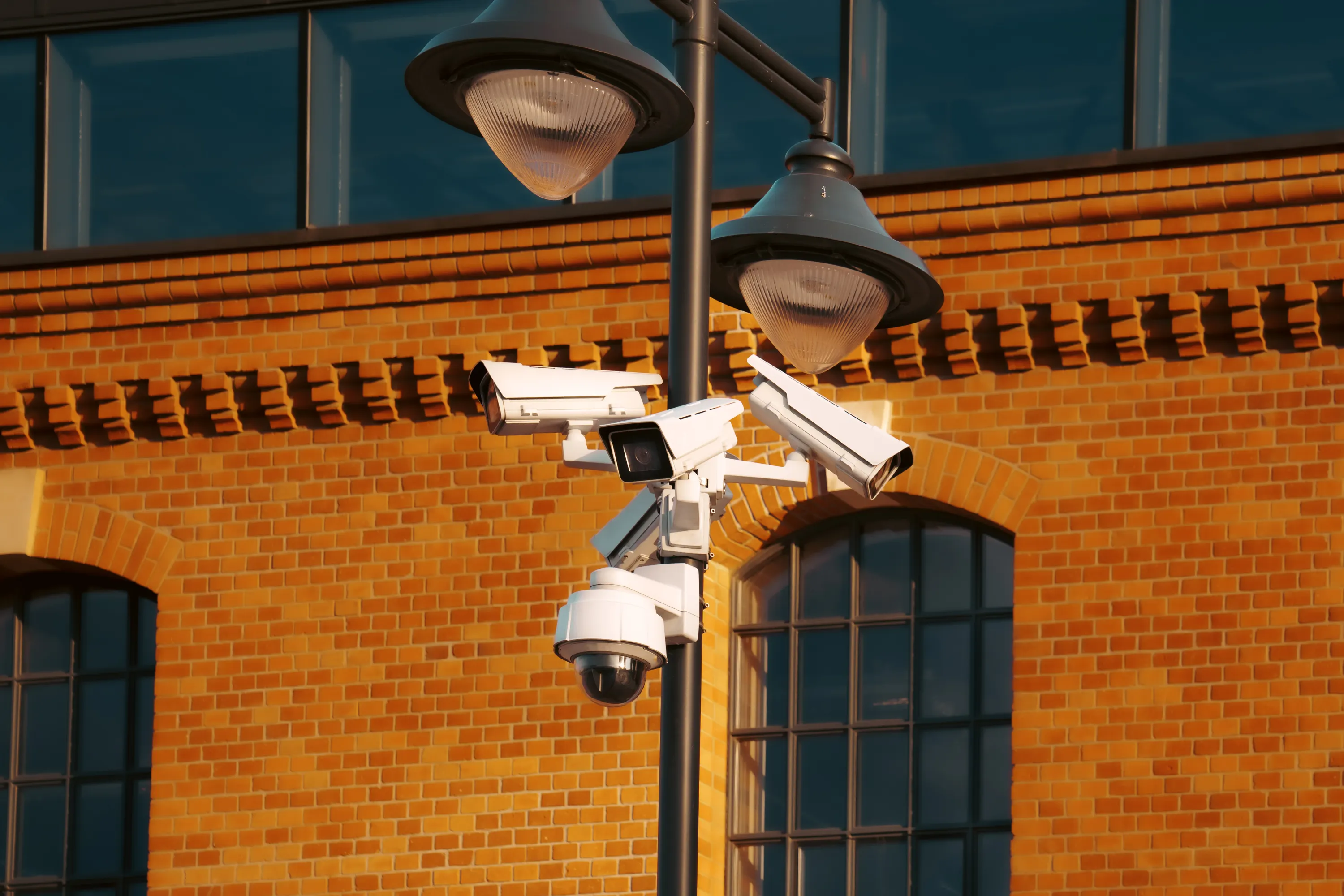
PTZ Cameras: When Pan-Tilt-Zoom Is Worth It
PTZ covers a large yard with one camera but cannot watch everywhere at once. When pan-tilt-zoom earns its price, and when fixed wins.
What matters in practice:
- PTZ for large open areas, fixed for doors, gates and tills — one camera can only point one way at a time.
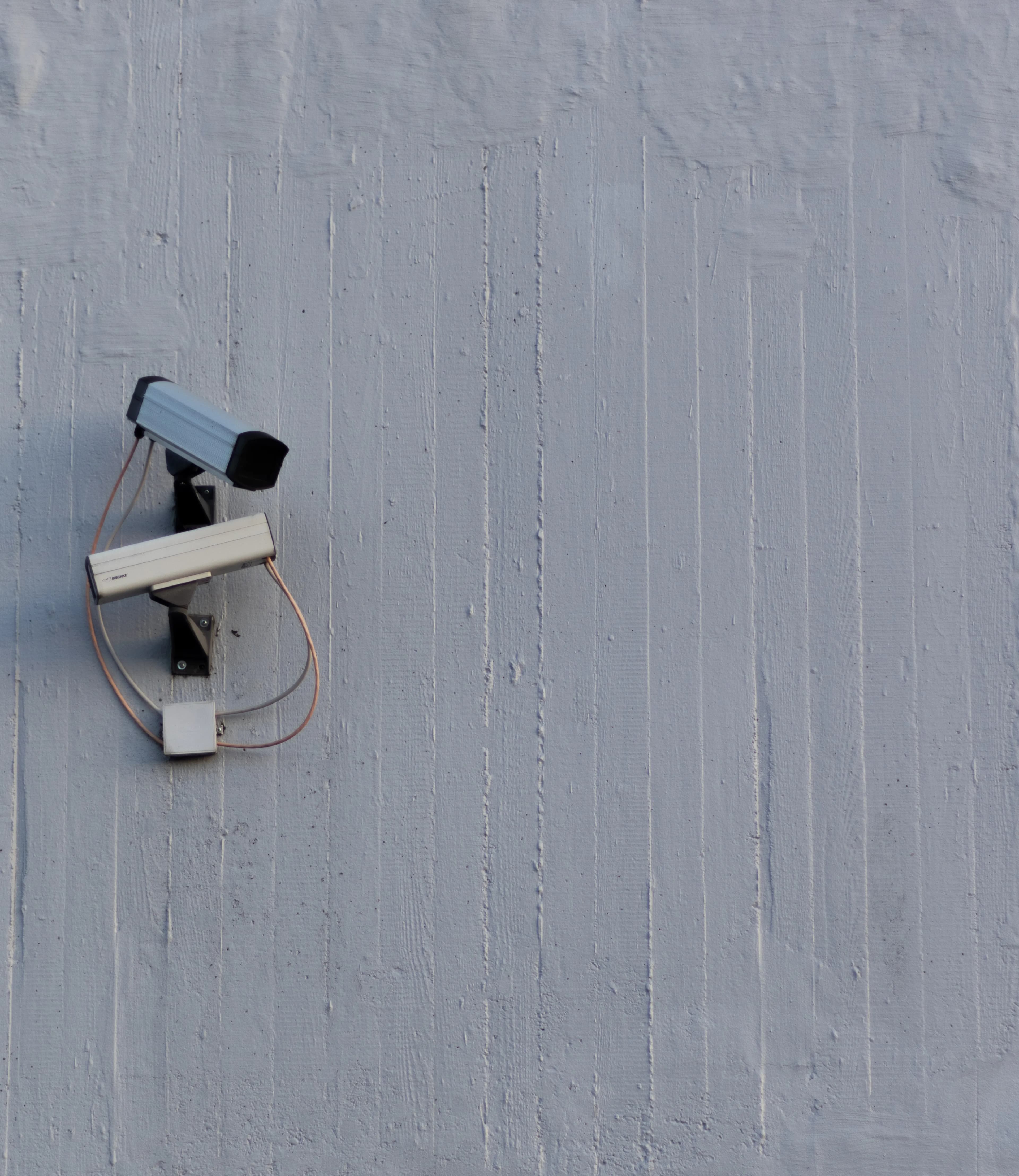
- Fixed cameras on the entry points, one PTZ to oversee — the combination that keeps evidence continuous.
- Check optical zoom, not digital — digital zoom enlarges pixels without adding detail.
A PTZ camera can turn, tilt and zoom, so one camera can cover a large area. It sounds like the ideal answer, and for some properties it is. For others, a PTZ is an expensive way to watch the wrong thing at the wrong moment.
The short answer
PTZ is worth it for large open areas like yards, car parks and farm compounds. For doors, gates and tills, a fixed camera is usually better and cheaper.
What PTZ means
- Pan: turns left and right
- Tilt: moves up and down
- Zoom: magnifies the view, optically or digitally
Optical zoom uses the lens and keeps detail. Digital zoom just enlarges the picture and loses detail, so check which one a model offers.
What PTZ does well
- Covers a wide area with one camera
- Zooms in on something suspicious
- Can follow a person or vehicle automatically on many models
- Lets you look around live from your phone
- Can patrol set positions
Where it falls short
- It can only point one way at a time, so it can miss things happening elsewhere
- Moving parts wear out over time
- It costs more than a fixed camera
- Auto-tracking can be unreliable and may follow shadows, trees and animals
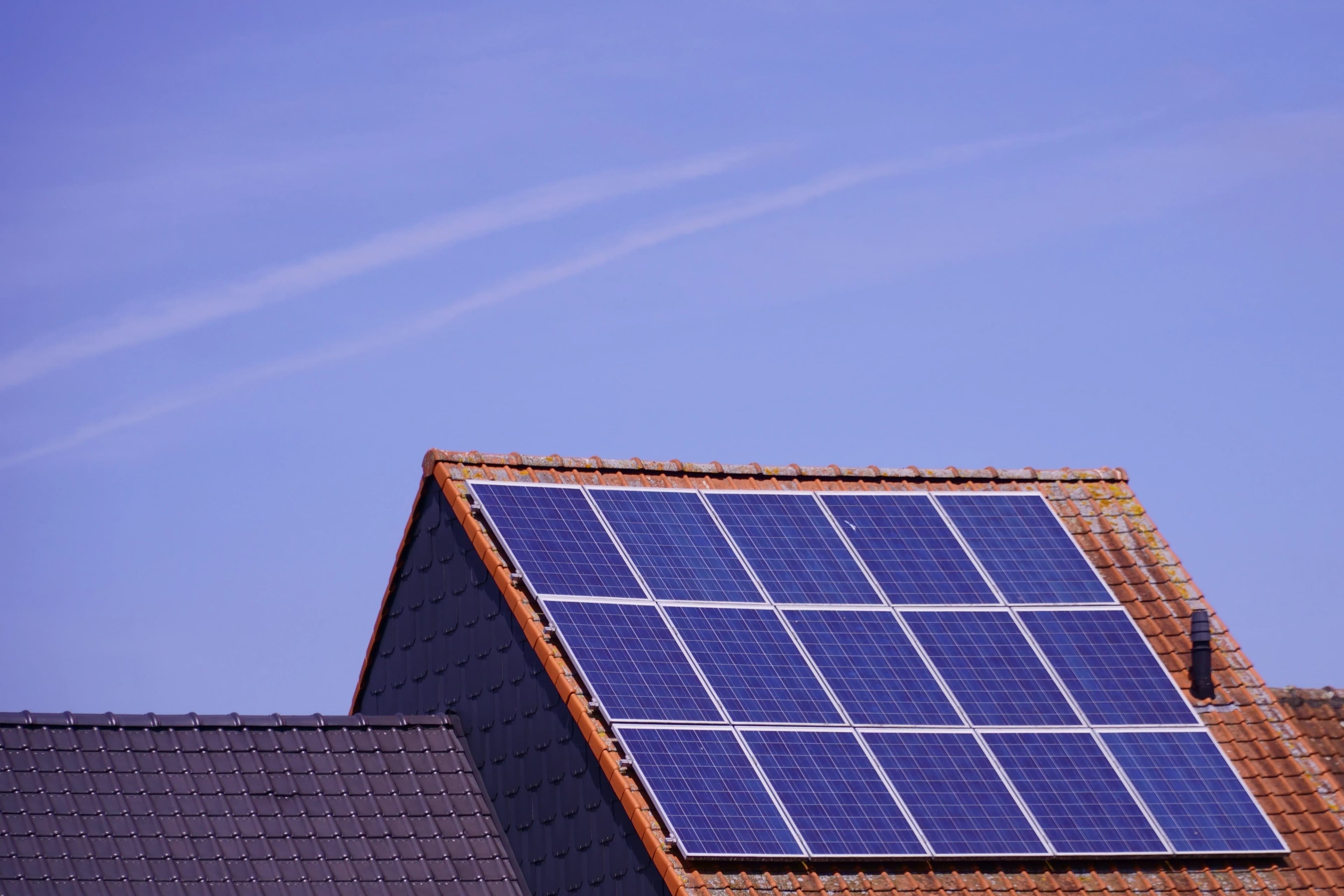
- It draws more power than fixed cameras, which matters for solar and battery models
- Recordings only show where the camera was pointing at that moment
PTZ or fixed?
| Situation | Better choice |
|---|---|
| Front door, gate or till | Fixed |
| Large yard or farm compound | PTZ |
| Long driveway or boundary | Fixed, or dual-lens |
| Need to read number plates | Fixed, aimed at the lane |
| Want to look around live | PTZ |
| Tight budget | Fixed |
A common smart setup
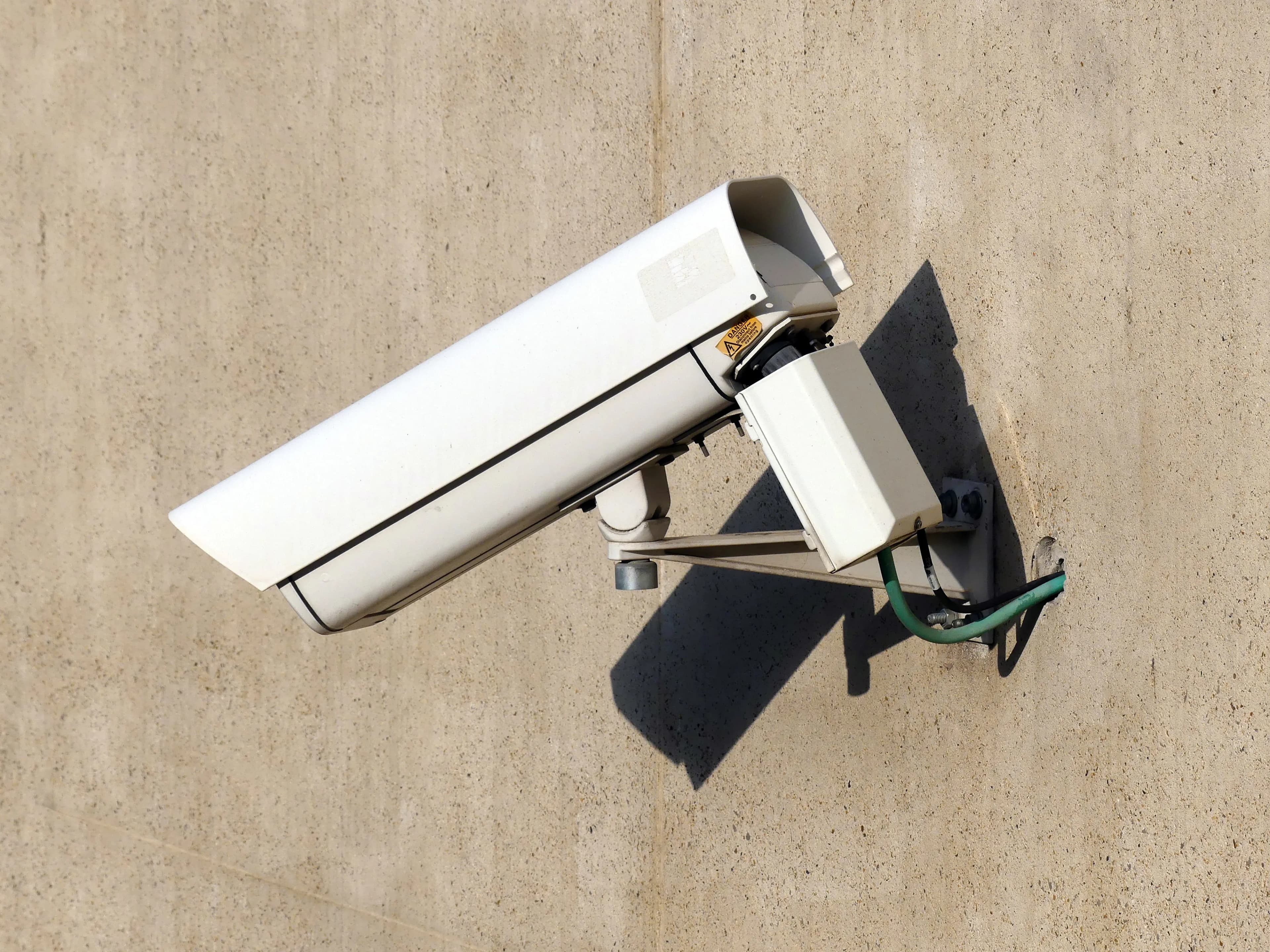
Use fixed cameras on the entry points, so something is always recorded there. Add one PTZ to oversee the wider area, and zoom in when an alert comes from a fixed camera.
Get more from a PTZ
- Set preset positions, so it returns to key spots with one tap
- Use a patrol mode between key spots, if the battery or power allows
- Use auto-tracking with care, and test it for false triggers
- Mount it high, with a clear view, and away from reflective surfaces
- Check the zoom range against the distance you need to cover
What to check before you buy
- Optical zoom range, not just digital
- Pan and tilt range
- Night vision range
- Power requirements, since many PTZ cameras need more than a standard camera
- Weather rating and build quality, because moving parts must survive the climate
- Whether tracking and presets are supported in the app
Common mistakes
- Buying a PTZ to cover a door that a fixed camera would handle better
- Relying on auto-tracking without testing it
- Forgetting that the camera isn't recording the rest of the yard while it is pointing elsewhere
Frequently asked questions
Can a PTZ replace several cameras? Sometimes, but it can't watch everywhere at once.
Do PTZ cameras work on solar? Some do, but they use more power, so check battery and panel sizes.
Is digital zoom useless? It helps a little, but doesn't give the detail of optical zoom.
Our advice
Use fixed cameras where the action happens, and a PTZ to oversee the wider area.
Related reading
- Camera Resolution: What You Need to See a Face or a Number Plate
- How Many Security Cameras Does Your Property Need?
- Protecting a Farm with Solar Cameras
Next steps
Backspace Business Solutions mixes fixed and PTZ cameras on the same recorder so entry points stay covered while the yard gets an eye that can look around.
Message us on WhatsApp or request a free site assessment if you would like to know whether a PTZ will earn its price on your site.
Frequently Asked Questions
How many cameras do I need for my business premises?▼
What is the difference between IP and analog CCTV systems?▼
How long is CCTV footage typically stored?▼
Can I access my CCTV cameras remotely?▼
What resolution should I choose for my security cameras?▼
Continue reading
More articles in CCTV & Surveillance →Not sure which of this applies to you?
Reading about a problem is not the same as knowing what yours actually is. The Solution Advisor asks a few questions about your environment and gives you a preliminary technical interpretation — what to check first, and what can probably wait.
Follow Backspace
Field notes from live projects in Kampala and beyond — new guides, failure post-mortems and pricing updates. Pick the channel you use.