Protecting a Home or Compound When Power or WiFi Is Unreliable
Power cuts and weak WiFi make ordinary cameras blind. Build a setup with solar cameras and router backup that keeps watching through outages.
What matters in practice:
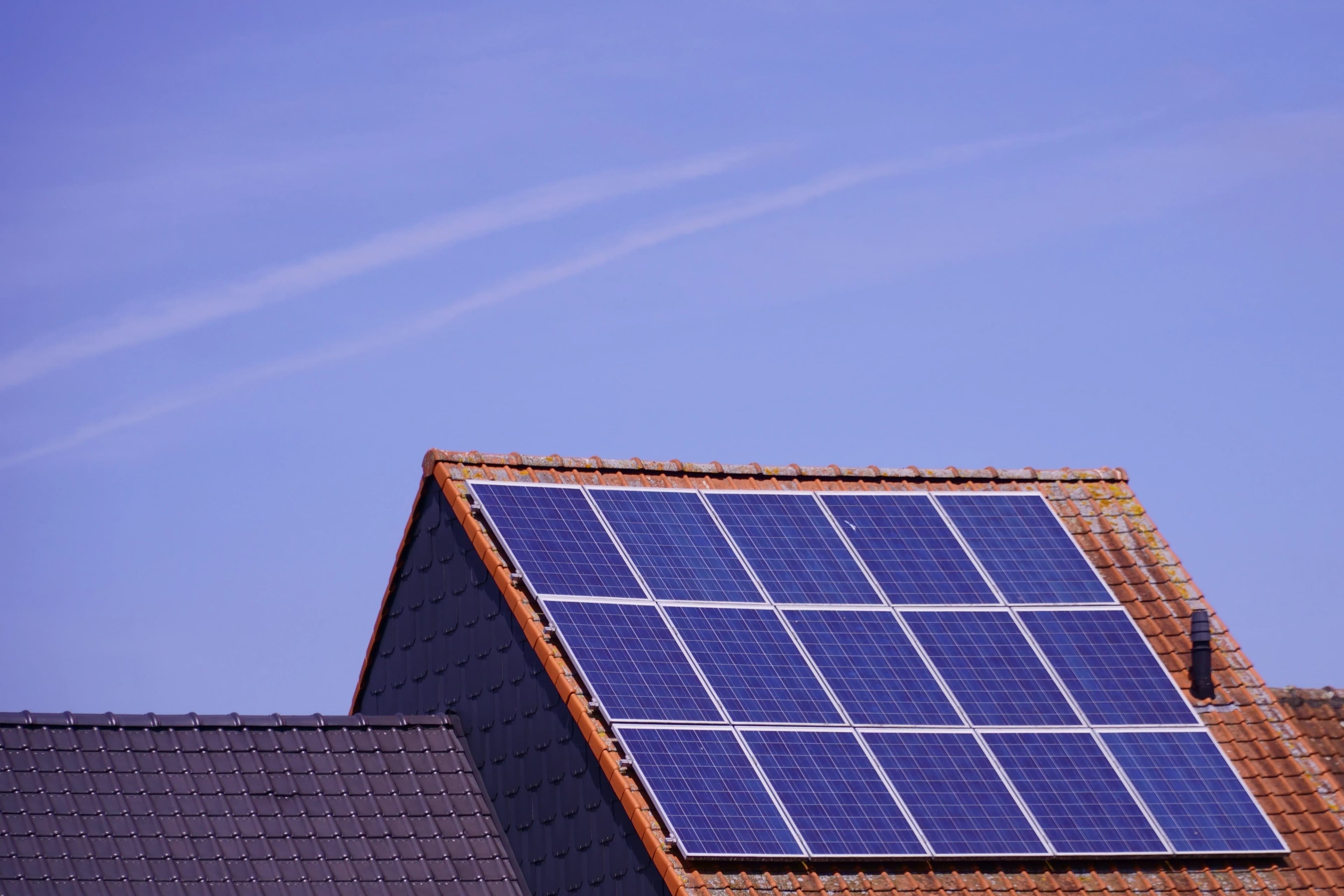
- Solar cameras keep watching through a blackout, and a 4G model doesn't even depend on your router.
- A WiFi camera still needs the router alive — keep it on a small UPS if cuts are common.
- Start with the gate and the back wall, then add cameras where the alerts show activity.
Power cuts, weak WiFi and a long yard make ordinary cameras a headache. They switch off when the electricity goes, which is often exactly when intruders prefer to visit. If that is your situation, here is how to build a setup that keeps watching.
The short answer
Use solar cameras at the spots that matter most, and keep your router on backup power if you use WiFi models. A solar camera runs on its own battery and panel, so a blackout doesn't switch it off. A 4G model doesn't even depend on your router.
Why mains cameras fail you
A plugged-in camera and your router both die in a power cut. No power means no recording, no alerts and no remote viewing. If cuts are common, your cameras are blind for hours at a time, and thieves know that cuts leave properties exposed.
Where to put cameras at a home
| Spot | Why it matters |
|---|---|
| Front gate or main door | The first place to cover, and the one you check most |
| Driveway | Vehicles, deliveries and visitors |
| Back wall and side access | Where many break-ins begin |
| Compound corners | Blind spots that other cameras can't see |
| Garage, store or generator house | Valuable and often unwatched |
| Water tank or borehole | Costly to replace if stolen |
Which type for a home?
- WiFi solar if your router is close and the signal is strong. It costs less and has no monthly fee.
- 4G solar if the spot is far from the house or your WiFi is poor.
- Mains cameras near the house are fine for places that have a socket and strong WiFi, but add backup power to the router so they survive short cuts.
Keeping WiFi cameras alive in a power cut
If you use WiFi solar cameras, they still need your router to reach the internet. A small UPS or a power bank rated for routers can keep it running for hours. Check the router's power requirements before buying a backup unit.
Home placement tips
- Mount at about 2.5 to 3 metres, angled down and out of easy reach
- Face the camera along the approach path, not straight at the sun
- Avoid pointing at a neighbour's window, garden or private space
- Keep the panel in the sunniest spot, even if the camera view is in the shade, using a model with a separate panel if needed
- Add a spotlight or siren near the doors you most want to protect
A layered approach
A camera is one layer, not the whole defence. It works best with good lighting, strong gates and locks, and a neighbour or guard who knows to check when you get an alert. Cameras deter opportunists and give you evidence, but they don't stop a break-in on their own.
Example setups
| Home type | Suggested setup |
|---|---|
| Small house with a gate | One camera on the gate, one at the back, WiFi solar |
| Larger house with a compound wall | Gate, driveway, two compound corners, mix of WiFi and 4G solar |
| Home with a long drive and no WiFi at the gate | 4G solar at the gate, WiFi solar near the house |
Common mistakes
- Relying only on cameras powered from a socket that dies in every outage
- Placing the panel where the house shades it
- Forgetting that a WiFi camera still needs the router to have power
- Aiming at the street so every passer-by triggers an alert
Frequently asked questions
Will a solar camera work during a long blackout? Yes. It runs on its own battery and panel. A 4G model also doesn't need your router.
Do I need an electrician? No. Solar cameras need no mains wiring.
Can I mix solar and mains cameras? Yes. They work together in the same app for many brands.
Our advice: start with the gate and the back wall. Add more once you see where activity is.
Related reading: 4G or WiFi Solar Camera: Which Fits Your Property? | Wireless Cameras for Your Home | Sirens, Spotlights and Two-Way Audio
Backspace Business Solutions designs power-resilient CCTV and biometric solutions for homes and compounds across Uganda.
Request a free site assessment or message us on WhatsApp with a photo of your gate and yard, and we'll suggest a setup that survives the cuts.
Frequently Asked Questions
How many cameras do I need for my business premises?▼
What is the difference between IP and analog CCTV systems?▼
How long is CCTV footage typically stored?▼
Can I access my CCTV cameras remotely?▼
What resolution should I choose for my security cameras?▼
Continue reading
More articles in CCTV & Surveillance →Not sure which of this applies to you?
Reading about a problem is not the same as knowing what yours actually is. The Solution Advisor asks a few questions about your environment and gives you a preliminary technical interpretation — what to check first, and what can probably wait.
Follow Backspace
Field notes from live projects in Kampala and beyond — new guides, failure post-mortems and pricing updates. Pick the channel you use.