POS System for Retail Shops Uganda
Find the best POS system for your retail shop in Uganda. Features, pricing, mobile money integration, and implementation guide for Ugandan retailers.
What to specify
- A retail POS system should deliver real-time inventory tracking, not just transaction processing—knowing what sells, what's missing, and what needs restocking is the real value.
- Choose a hybrid POS architecture (local processing + cloud reporting) to protect revenue during Uganda's frequent internet outages.
- Hardware and software costs vary depending on your shop's size and complexity.
Why Your Retail Shop Needs More Than a Cash Register
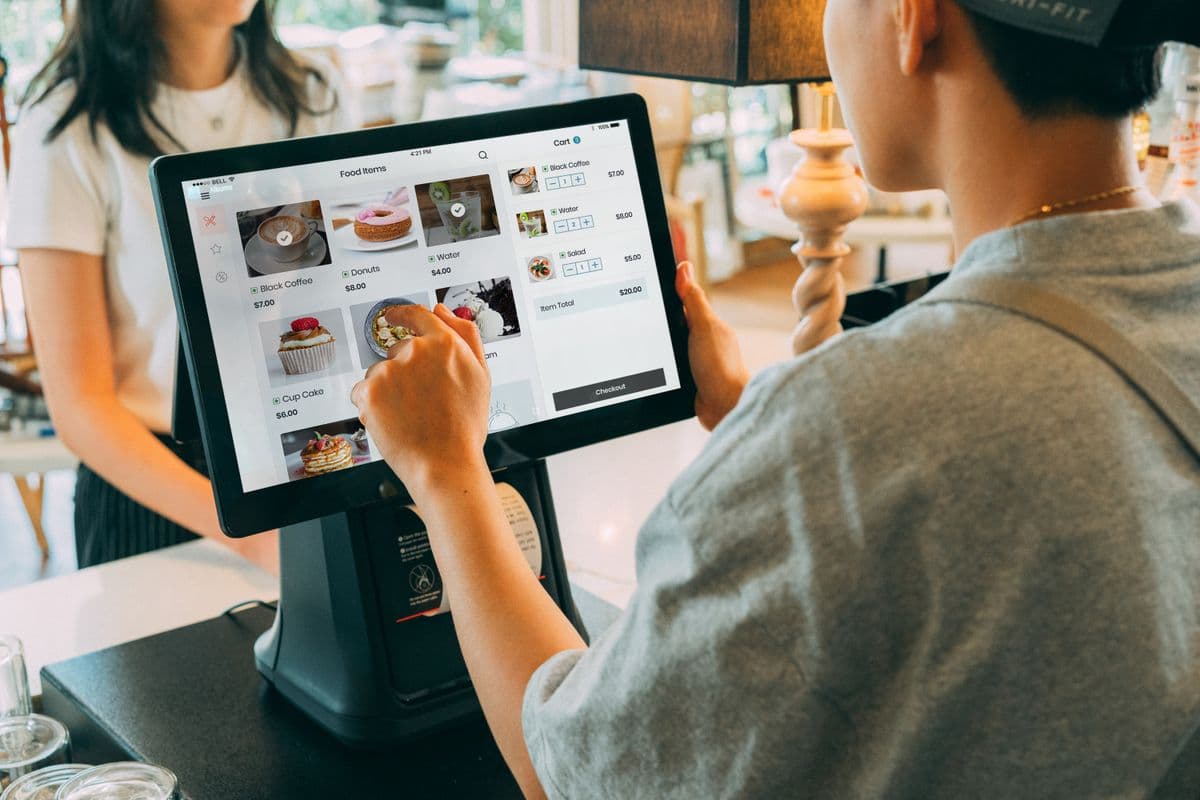
Finding the right POS system for your retail shop in Uganda transforms how you manage sales, inventory, and customer relationships. A modern point-of-sale system does more than process transactions—it provides the insights and tools you need to run a more efficient, profitable business.
The Ugandan retail market has unique requirements. From mobile money integration to offline capability, your POS system must handle local payment methods while providing the features your shop needs. Understanding your options helps you select the right solution.
Understanding POS System Types
Cloud-Based POS
Cloud-based systems run on the internet, accessible from any device:
- Pros: Accessible from anywhere, automatic updates, lower upfront costs
- Cons: Requires reliable internet, ongoing monthly fees
- Best for: Multi-location businesses needing remote access
On-Premise POS
Installed locally on your computers with data stored on-site:
- Pros: Works without internet, one-time license fee, full data control
- Cons: Higher upfront costs, manual updates, requires local IT support
- Best for: Single-location shops with unreliable internet
Mobile POS
Uses tablets or smartphones as terminals:
- Pros: Portable, affordable, quick setup
- Cons: Limited functionality, dependent on battery life
- Best for: Small businesses, mobile vendors, pop-up shops
Hybrid POS (Recommended for Uganda)
Combines cloud and local features—the ideal architecture for Ugandan retail:
- Local transaction processing continues during internet outages
- Cloud reporting provides centralized visibility
- Automatic sync when connectivity is restored
- No revenue loss during connectivity interruptions
Key Features for Ugandan Retail Shops
Transaction Processing
The core function of any POS system is processing sales efficiently:
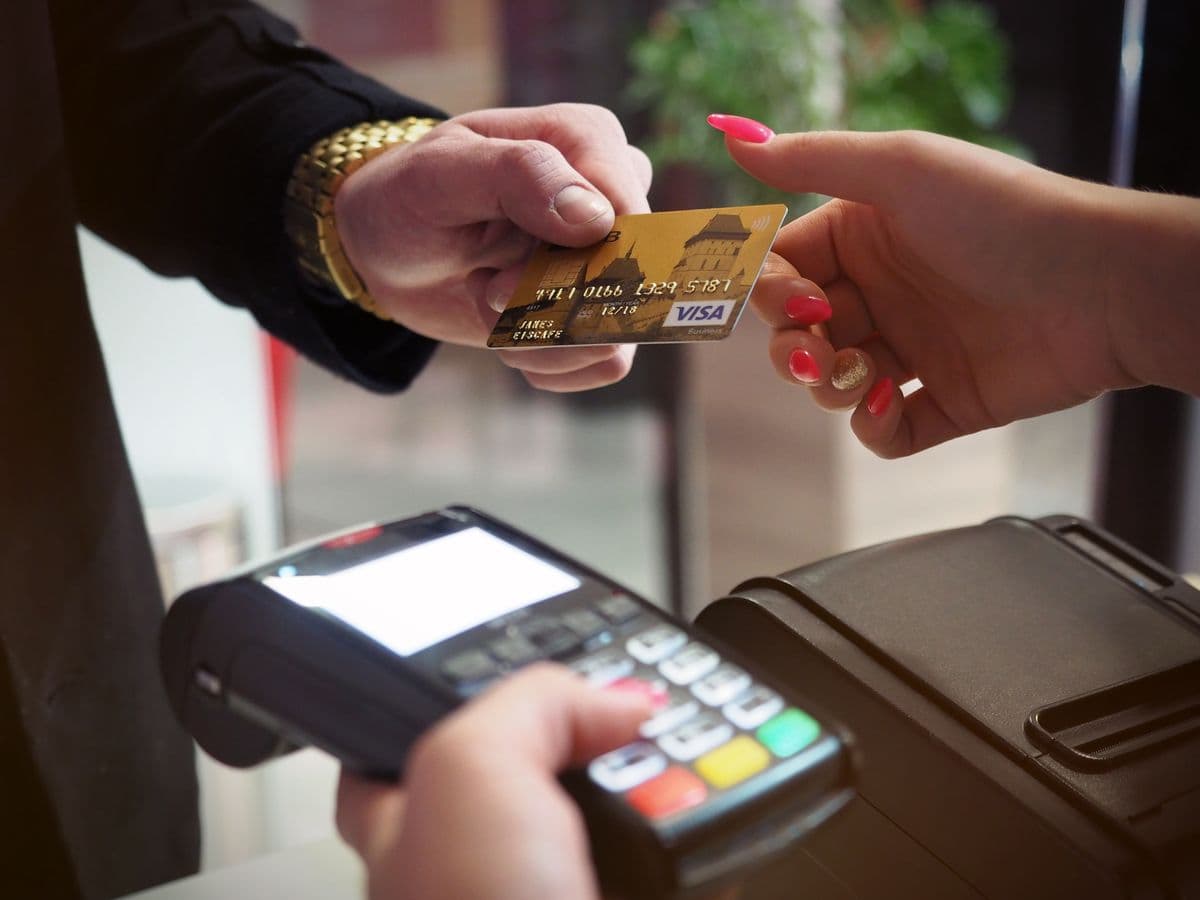
- Multiple payment methods: Cash, card, MTN MoMo, Airtel Money, bank transfer
- Quick processing: Fast checkout to reduce customer wait times
- Receipt printing: Thermal or digital receipts
- Returns and exchanges: Easy processing with proper authorization
- Split payments: Multiple payment methods for a single transaction
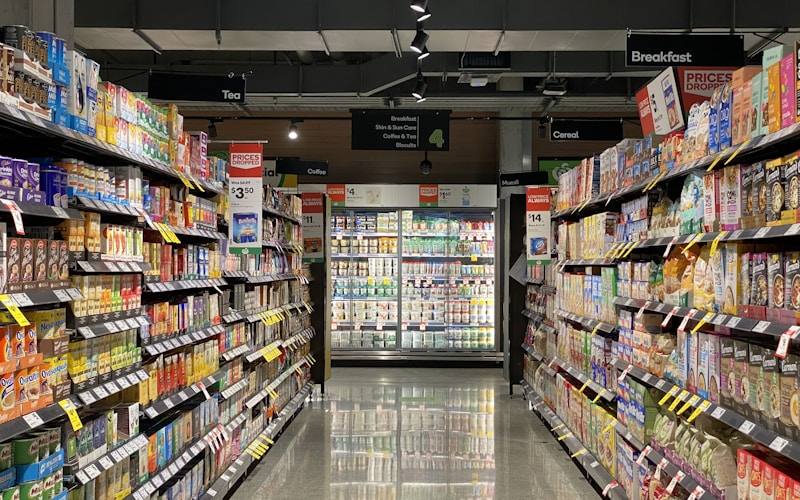
Inventory Management
Effective inventory management is critical for retail profitability:
- Real-time stock tracking across all products
- Low stock alerts before items run out
- Barcode scanning for faster checkout and accurate inventory counts
- Purchase order management streamlining supplier orders
- Stock transfer tracking between locations
Sales Reporting
Data-driven decisions require comprehensive reporting:
- Daily sales summaries with quick performance overviews
- Product performance identifying best and worst sellers
- Employee performance tracking sales by staff member
- Time-based analysis understanding peak hours and seasons
- Profit margins showing which products generate the most profit
Customer Management
Building customer relationships drives repeat business:
- Customer profiles storing contact information and purchase history
- Loyalty programs rewarding repeat customers
- Targeted promotions based on purchase patterns
- Customer groups enabling segmented marketing
POS System Configurations in Uganda
Hardware Options
| Component | Budget | Mid-Range | Premium |
|---|---|---|---|
| Terminal (touchscreen) | Basic | Standard | Enterprise |
| Barcode scanner | Basic | Standard | Premium |
| Receipt printer | Basic | Standard | Premium |
| Cash drawer | Basic | Standard | Premium |
| Card reader | Basic | Standard | Premium |
Software Options
| Pricing Model | Description |
|---|---|
| Monthly subscription | Ongoing monthly fee with automatic updates |
| One-time license | Single payment with perpetual use |
| Per-transaction fee | Pay per sale processed |
Deployment Models
| Model | Best For |
|---|---|
| Cloud-based | Lower upfront costs, ongoing subscription |
| On-premise | One-time investment, full data control |
| Hybrid | Balanced approach, local processing + cloud reporting |
Top POS Systems for Ugandan Retail
Ezee Optimus
Ezee Optimus is a practical choice for growing Ugandan retailers. It balances functionality with affordability and offers dedicated local support.
- Features: Inventory management, multi-branch support, detailed reporting, table management
- Pros: Local support team, affordable pricing, intuitive interface
- Cons: Limited customization options and basic advanced reporting
- Best for: Small to medium retail chains
SambaPOS
SambaPOS provides feature-rich functionality for retailers who need deep customization and advanced analytics.
- Features: Advanced reporting, customer management, kitchen display integration, recipe tracking
- Pros: Highly customizable, strong reporting suite, responsive support
- Cons: Steeper learning curve and higher total cost of ownership
- Best for: Medium to large retail chains
Loyverse
Loyverse offers a free entry point for small retailers who want POS capability without significant upfront investment.
- Features: Basic POS functionality, inventory tracking, customer loyalty tools
- Pros: Free basic version, mobile-friendly design, quick setup
- Cons: Limited features in free tier; paid add-ons required for full functionality
- Best for: Small retail shops and startup businesses
Lightspeed
Lightspeed is a cloud-based POS built for established retailers who need scalability and advanced analytics.
- Features: Advanced inventory management, e-commerce integration, comprehensive analytics
- Pros: Fully cloud-based architecture, highly scalable, excellent reporting
- Cons: Requires reliable internet connectivity; higher price point
- Best for: Established retail chains with multiple locations
Choosing the Right POS System
Assess Your Shop's Needs
Consider these factors before selecting a system:
- Shop size: Number of products and SKU complexity
- Transaction volume: Daily sales count and peak hour patterns
- Payment methods: What your customers actually use
- Staff size: Number of employees who will use the system
- Growth plans: Expansion or additional location plans
Key Selection Criteria
- Ease of use: Can your staff learn it quickly?
- Reliability: Does it work consistently without downtime?
- Support: Is local support available in Uganda?
- Scalability: Can it grow with your business?
- Integration: Does it connect with tools you already use?
Implementation Guide
Phase 1: Planning
Before implementation, document your current processes, list requirements and must-have features, set a realistic budget, and choose a provider with local support. A professional site survey provides objective infrastructure assessment.
Phase 2: Setup
Install hardware and connect peripherals, configure software settings, import product data and pricing, set up user accounts and permissions, and configure payment methods including MTN MoMo and Airtel Money. Network infrastructure may need upgrades to support reliable POS operations.
Phase 3: Testing
Process test transactions, verify inventory counts, test all payment methods, print sample receipts, and generate test reports before going live.
Phase 4: Training
Train all staff on basic operations, practice common scenarios, document procedures for reference, provide ongoing support resources, and schedule follow-up training as needed.
Phase 5: Go-Live
Start with a soft launch to identify issues, monitor performance closely, address problems quickly, gather staff feedback, and make adjustments as needed.
Benefits of POS Systems for Retail
Increased Efficiency
- Faster checkout reduces customer wait times
- Automated inventory tracking eliminates manual counting
- Integrated payment processing simplifies transactions
- Centralized data management reduces errors
Better Decision Making
- Identify best-selling products and optimize stocking
- Understand customer buying patterns
- Optimize pricing and promotions based on data
- Track employee performance and identify training needs
Improved Customer Experience
- Faster checkout process with multiple payment options
- Loyalty program management driving repeat visits
- Personalized service based on purchase history
- Easy returns and exchanges
Cost Savings
- Reduced shrinkage from theft or errors
- Better inventory management minimizing waste
- Improved efficiency lowering labor costs
- Data-driven decisions improving profitability
Common Challenges and Solutions
Internet Connectivity
Challenge: Unreliable internet affects cloud-based POS systems.
Solutions: Choose a hybrid system that works offline, maintain a backup internet connection, and use mobile data as failover.
Staff Adoption
Challenge: Employees resist learning new systems.
Solutions: Choose an intuitive system, provide comprehensive training, involve staff in selection, and offer ongoing support.
Cost Management
Challenge: POS system costs strain limited budgets.
Solutions: Start with essential features, choose cloud-based for lower upfront costs, consider refurbished hardware, and negotiate payment terms.
Next Step: Request a Free Site Survey — Our team evaluates your retail shop's requirements and recommends the optimal POS system for your budget. Learn more about our POS Systems or explore our Network Infrastructure services.
Frequently Asked Questions
What features should I look for in a POS system?▼
How long does POS system installation take?▼
What is the difference between cloud-based and on-premise POS?▼
Can POS systems integrate with my existing accounting software?▼
How much does a POS system cost for a small business?▼
Continue reading
More articles in POS Systems →