POS Hardware in Uganda: Terminals That Survive
Counter terminals, handhelds, printers and scanners that survive dust, heat and power cuts: SUNMI, Toast, Clover and Square hardware compared for Ugandan retail and restaurants.
Software gets the demos, but hardware decides whether the till works on a dusty Friday evening in Owino with the power flickering. This guide covers the physical layer of point of sale — counter terminals, handhelds, printers, scanners, cash drawers and kiosks — with honest notes on what survives Ugandan conditions. For the software half, see our complete POS guide for Kampala and choosing POS for retail vs restaurants.
The Terminal: Your Counter's Workhorse
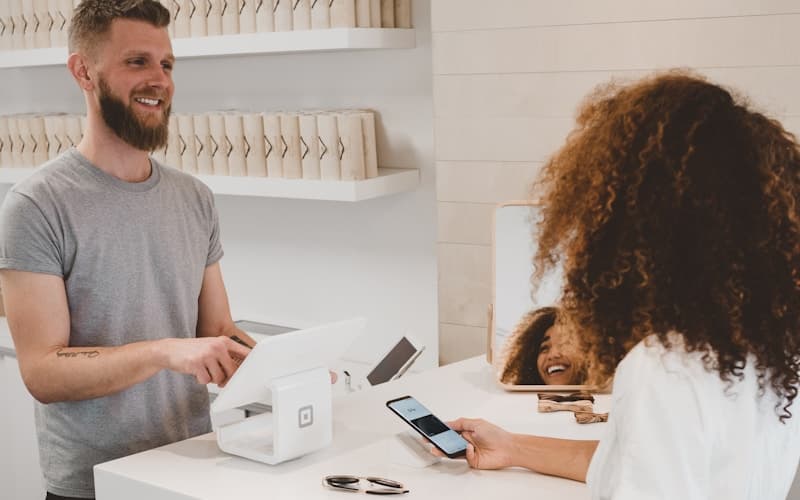
SUNMI T3 family (T3 Pro / T3 / T3 Lite). The current best-in-class Android desktop terminals, widely regarded by independent reviewers (see Rosper's 2026 POS hardware guide) as the counter standard: solid build, bright displays, printer and cash-drawer support, no mandatory software lock-in — you run your chosen POS app on them. For most Ugandan retail counters and restaurants, a SUNMI-class Android terminal is the rational default.
Toast / Clover / Square hardware. Excellent industrial design — purpose-built to survive grease, heat and drops — but each is locked to its own software and payments stack with per-device monthly fees. Right choice only if you have already committed to that ecosystem; wrong choice if you want freedom to switch software later. Compare the software side on G2's retail POS rankings (KORONA 4.7, Square and Stripe Terminal 4.6) before marrying hardware to it.
What matters locally: sealed buttons that shrug off dust, a screen readable in bright shop light, and a power brick tolerant of voltage swings — or better, PoE/network-powered operation off your UPS-backed switch. Ask for the IP rating and the operating temperature range; a terminal rated to 40°C will outlive one that throttles at 32°C in a Kampala March.
Handhelds: Tableside, Aisles and Deliveries
For table-side restaurant ordering, in-aisle price checks and delivery confirmation, handhelds pay for themselves in weeks: SUNMI's V-series (compact V2s for payments, full V3 Mix with built-in printer, rugged M3 Pro with scanner for warehouse use) leads the independent Android field. Pair with a drop-rated case and a charging dock per shift — handhelds die from falls and flat batteries, not from software.
Printers, Scanners, Drawers: The Unsexy Essentials
- Receipt printers: thermal, 80mm, auto-cutter, USB + LAN (avoid Bluetooth-only for fixed tills — pairing gremlins at rush hour). Keep a spare print head or whole unit; they are consumables with a 2–3 year life in dusty shops.
- Barcode scanners: 1D laser for basic retail, 2D imagers where QR/mobile-money codes and IDs get scanned. Corded for counters, Bluetooth with charging cradles for stockrooms.
- Cash drawers: metal, 24V triggered from the printer (fewer cables, opens only on sale), bolted down. Cheap drawers jam — buy once.
- Customer display: a small second screen showing the running total cuts "how much?" disputes and speeds mobile-money confirmation.
Kiosks and Self-Order
Standing kiosks suit high-volume QSR and supermarket ends: SUNMI-class Android kiosks or software-vendor units. Budget for anchoring, daily screen cleaning, and a card-reader integration that actually supports local mobile-money flows — a kiosk that cannot take MoMo is decoration in Uganda.
Power: The Section That Decides Everything
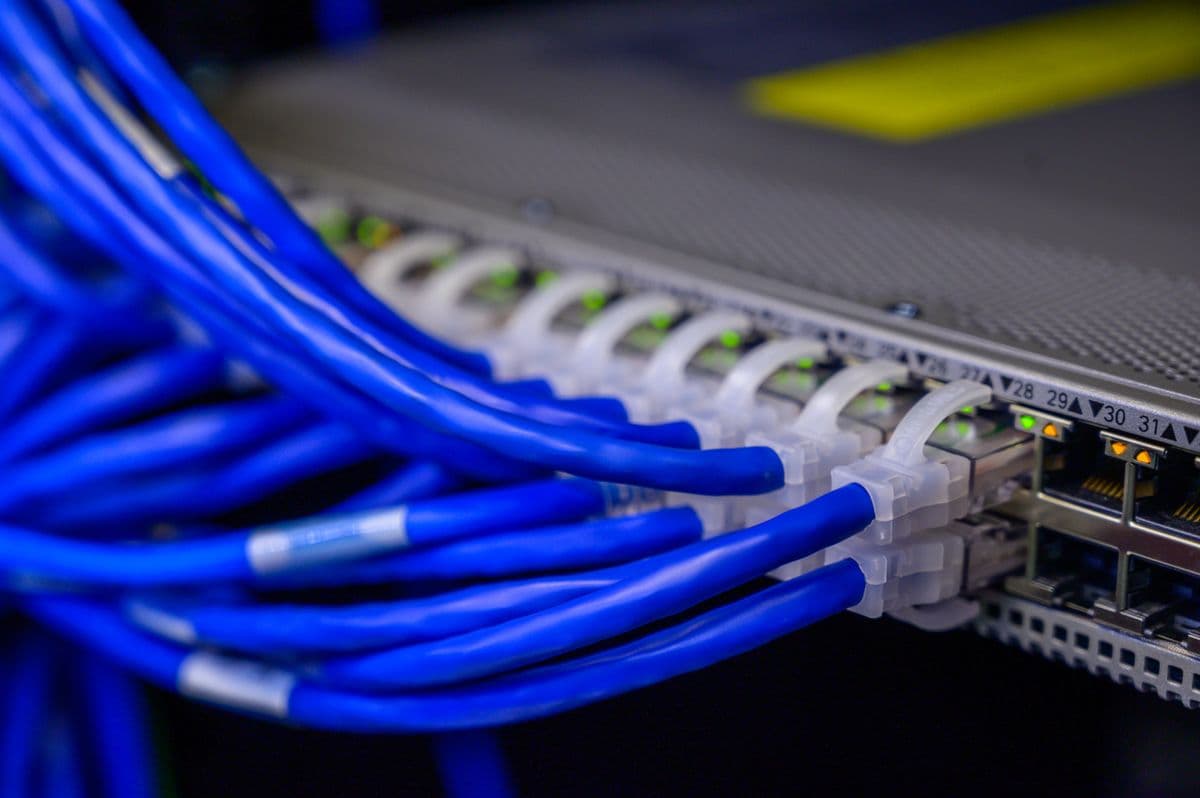
No POS hardware discussion in Uganda is complete without power: every till, printer and network switch sits behind a UPS (sized for graceful close-down, not all-day running), and sites with daily outages add automatic voltage regulation at minimum. Thermal printers brown out first — if receipts fade mid-print during fluctuations, your power protection is undersized, not your printer broken. Our power designs routinely include the till circuit for exactly this reason.
Buying Checklist
- Android/open hardware unless already committed to Toast/Clover/Square.
- Sealed against dust, rated past 35°C operating temperature.
- Printer + drawer + scanner from day one (retrofits cost double).
- PoE or UPS-backed power for every till and the switch feeding it.
- One spare handheld and one spare printer on the shelf.
- Authorised stock with local warranty — grey-market terminals with wrong-region firmware cause maddening faults.
Tell us your counter count, menu/Float complexity and power situation — or book a free assessment — and we will spec the exact hardware list with installed pricing. For software selection, start with our Kampala POS guide; to talk to a human, contact us.
Frequently Asked Questions
What features should I look for in a POS system?▼
How long does POS system installation take?▼
What is the difference between cloud-based and on-premise POS?▼
Can POS systems integrate with my existing accounting software?▼
How much does a POS system cost for a small business?▼
Continue reading
More articles in POS Systems →Not sure which of this applies to you?
Reading about a problem is not the same as knowing what yours actually is. The Solution Advisor asks a few questions about your environment and gives you a preliminary technical interpretation — what to check first, and what can probably wait.
Follow Backspace
Field notes from live projects in Kampala and beyond — new guides, failure post-mortems and pricing updates. Pick the channel you use.