POS System for Restaurants in Kampala
Choose the best POS system for your Kampala restaurant. Compare features, pricing, MTN MoMo integration, and multi-branch setup options.

What to specify
- A restaurant POS system reduces order errors by up to 40% and cuts table turnaround time—critical for Kampala's competitive dining scene.
- Integration with MTN Mobile Money and Airtel Money is non-negotiable: over 70% of Ugandan transactions are mobile money-based.
- Hybrid POS systems with offline capability protect your revenue during internet outages, which remain common across Kampala.
Why Kampala Restaurants Need a Modern POS System
Running a restaurant in Kampala means managing high-volume peak hours, diverse payment preferences, and tight inventory margins—all simultaneously. A restaurant POS system is not a luxury; it is the operational backbone that connects your kitchen, front-of-house staff, and financial data.
Manual order-taking introduces errors that compound quickly: wrong dishes, wasted ingredients, and dissatisfied customers. A digital POS sends orders directly to kitchen display systems (KDS) or receipt printers, eliminating transcription mistakes and reducing order-to-table time by 25–35%.
Speed and Accuracy at the Point of Transaction
Touchscreen POS terminals like the Sunmi V2 Pro or PAX A920 process orders in under three seconds. Staff select items from a visual menu, apply modifiers (extra sauce, no onions), and send tickets to the kitchen with a single tap. During Kampala's Friday and Saturday dinner rushes—when restaurants process 80–120 covers per hour—this speed translates directly to higher table turnover and revenue.
Real-Time Inventory Tracking
Every dish has a bill of materials. A properly configured POS system deducts ingredients from inventory the moment a dish is ordered. For a restaurant using 50+ unique ingredients, this level of tracking prevents stockouts on signature dishes and identifies slow-moving items that tie up capital. Systems like SambaPOS and Ezee Optimus support recipe-level cost tracking, giving you margin visibility per dish.
Essential Features for Kampala Restaurant Operations
Order Management and Kitchen Display Integration
Your POS must handle dine-in, takeaway, and delivery orders from a single terminal. Key capabilities include:
- Table management with visual floor plans and status tracking
- Order splitting and merging for group dining scenarios
- Special request handling (dietary restrictions, allergies)
- Kitchen display system (KDS) integration for real-time order visibility
- Third-party delivery integration (Jumia Food, Glovo)
Menu Management Across Shifts
Kampala restaurants frequently update menus for lunch specials, weekend promotions, and seasonal ingredients. Your POS should support:
- One-click menu modifications without system downtime
- Time-based menu switching (breakfast, lunch, dinner menus)
- Multi-outlet menu synchronization for chain restaurants
- Recipe cost tracking that updates ingredient costs automatically
Payment Processing: Mobile Money is Mandatory
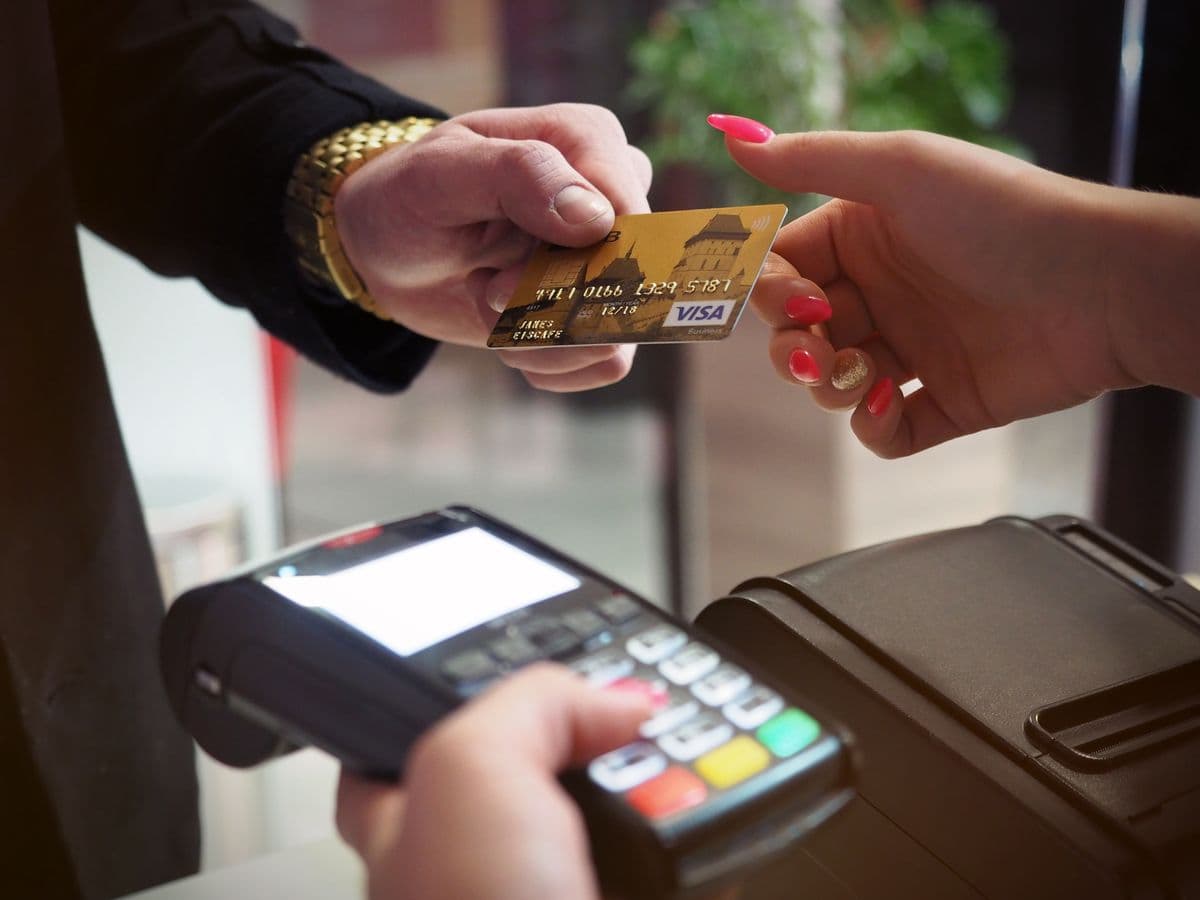
Uganda's payment landscape is dominated by mobile money. Your restaurant POS must integrate with:
| Payment Method | Integration Type | Settlement Time |
|---|---|---|
| MTN Mobile Money | Direct API or USSD | T+1 to T+2 |
| Airtel Money | Merchant API | T+1 to T+2 |
| Visa/Mastercard | POS terminal integration | T+2 to T+3 |
| Cash | Manual entry | Immediate |
| QR Code payments | Scan-to-pay | Real-time |
Systems like Lightspeed and SambaPOS offer native integrations with Ugandan payment gateways, eliminating manual reconciliation between your POS and payment provider.
Offline Capability: Non-Negotiable for Kampala
Internet outages in Kampala are not occasional—they are predictable. Your POS must:
- Process transactions offline using local data storage
- Queue orders for sync when connectivity returns
- Cache product catalogs on the terminal itself
- Generate end-of-day reports without internet access
A hybrid POS architecture—cloud reporting with local transaction processing—ensures zero revenue loss during connectivity interruptions. This is particularly critical for restaurants in areas served by unreliable ISPs.
POS System Configuration Options
Hardware and Software Configurations
| Configuration | Components |
|---|---|
| Basic (1 terminal) | Tablet POS, receipt printer, cash drawer |
| Standard (2–3 terminals) | Terminals, KDS, network setup, training |
| Premium (multi-terminal) | Enterprise setup, payment gateway, custom integrations |
Monthly Operating Costs
- Software subscription: Monthly fee depending on features and terminal count
- Payment processing fees: 2–3% per transaction (mobile money and card combined)
- Annual maintenance: 10–15% of initial hardware cost
- Internet connectivity: Monthly fee for reliable backup connectivity
Implementation Process: From Assessment to Go-Live
Step 1: Site Assessment and Network Evaluation
A professional site survey evaluates your restaurant's physical layout, power infrastructure, and network connectivity. This assessment determines terminal placement, cable routing, and whether network infrastructure upgrades are needed.
Step 2: Hardware Installation
Professional installation includes:
- Terminal mounting at ergonomic heights for staff comfort
- Network cabling with proper cable management
- Receipt printer and KDS setup with kitchen-specific positioning
- Power protection with UPS devices for power backup
- Payment terminal integration with tested MTN MoMo and Airtel Money connections
Step 3: Software Configuration
- Menu import with pricing, modifiers, and recipe data
- Tax configuration per URA requirements
- User account creation with role-based permissions
- Payment method activation and testing
- Reporting dashboard setup for daily, weekly, and monthly views
Step 4: Staff Training and Go-Live
Training covers order entry, payment processing, end-of-day reconciliation, and basic troubleshooting. During the first week, on-site support addresses configuration issues that only appear during real-world operation.
Top POS Systems for Ugandan Restaurants
Ezee Optimus
Ezee Optimus is a practical choice for growing Ugandan restaurants. It balances functionality with affordability and offers dedicated local support.
- Features: Inventory management, multi-branch support, detailed reporting, table management
- Pros: Local support team, affordable pricing, intuitive interface
- Cons: Limited customization options and basic advanced reporting
- Best for: Small to medium restaurant chains
SambaPOS
SambaPOS provides feature-rich functionality for restaurants that need deep customization and advanced analytics.
- Features: Advanced reporting, customer management, kitchen display integration, recipe tracking
- Pros: Highly customizable, strong reporting suite, responsive support
- Cons: Steeper learning curve and higher total cost of ownership
- Best for: Medium to large restaurant operations
Loyverse
Loyverse offers a free entry point for small restaurants that want POS capability without significant upfront investment.
- Features: Basic POS functionality, inventory tracking, customer loyalty tools
- Pros: Free basic version, mobile-friendly design, quick setup
- Cons: Limited features in free tier; paid add-ons required for full functionality
- Best for: Small restaurants and startup food businesses
Lightspeed
Lightspeed is a cloud-based POS built for established restaurants that need scalability and advanced analytics.
- Features: Advanced inventory management, e-commerce integration, comprehensive analytics
- Pros: Fully cloud-based architecture, highly scalable, excellent reporting
- Cons: Requires reliable internet connectivity; higher price point
- Best for: Established restaurant chains with multiple locations
Choosing the Right POS Provider in Kampala
Evaluate providers based on:
- Restaurant-specific experience—not just general retail POS knowledge
- Local support presence with guaranteed response times
- Mobile money integration expertise (MTN MoMo and Airtel Money)
- Scalability for future expansion (additional terminals, new locations)
- Client references from similar restaurant operations in Kampala
Next Step: Request a Free Site Survey — Our team evaluates your restaurant's layout, network, and power infrastructure to recommend the optimal POS configuration. Learn more about our POS Systems.
Frequently Asked Questions
What features should I look for in a POS system?▼
How long does POS system installation take?▼
What is the difference between cloud-based and on-premise POS?▼
Can POS systems integrate with my existing accounting software?▼
How much does a POS system cost for a small business?▼
Continue reading
More articles in POS Systems →