Wired vs Wireless Business Network: Which to Choose?
Compare wired vs wireless business networks for Ugandan offices. Performance benchmarks, cost analysis, and hybrid recommendations for Kampala businesses.
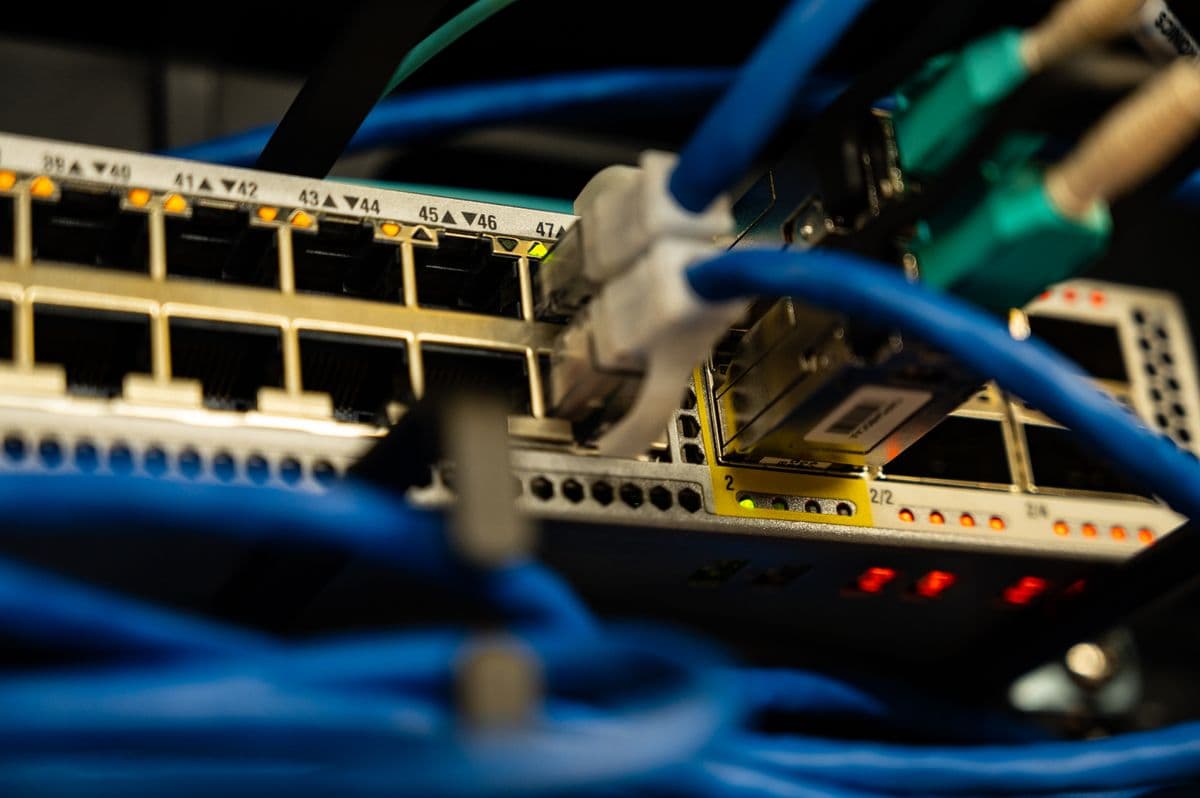
Typical Office Network Architecture
Typical office network: ISP → Firewall → Core Switch → Access Switches → Endpoints. VLANs separate data, voice, CCTV, POS, and guest traffic.
What to specify
- Wired connections deliver 1–10 Gbps dedicated bandwidth per device; WiFi 6 shares 1.2 Gbps across all connected devices — performance degrades as device count increases.
- Total cost of ownership over 5 years favors structured cabling for offices with more than 10 workstations, despite higher upfront costs.
- A hybrid approach — cabling for fixed workstations and backbone infrastructure, WiFi for mobile devices — delivers the optimal balance of performance, security, and flexibility.
Selecting the right network infrastructure is critical for business success in Uganda. Whether you are setting up a new office in Kampala or upgrading an existing one, the choice between wired and wireless networking affects productivity, security, and your bottom line.
Many businesses in Uganda go wireless-only to save money, only to discover performance and reliability issues that hurt productivity. A well-planned business network supports your operations today while accommodating growth tomorrow. Your internal network design matters as much as your ISP choice — a fast internet connection is wasted on inadequate cabling infrastructure.
The Ugandan Context
Businesses in Uganda, Kenya, Tanzania, and Rwanda face specific challenges affecting network infrastructure decisions:
- Power instability — Network equipment needs reliable power; frequent outages disrupt connectivity. Equipment must integrate with UPS and generator backup.
- Infrastructure limitations — Building quality varies significantly, affecting cable routing options
- Growth patterns — Businesses scale quickly, requiring flexible and scalable solutions
- Budget constraints — Every shilling counts for growing businesses
Wired Network Fundamentals
A wired business network uses physical cables to connect devices. Structured cabling provides the organized framework for these connections, using standardized components that ensure reliable performance.
A properly installed structured cabling system follows industry standards (TIA-568, ISO/IEC 11801) that ensure consistent performance and long-term reliability.
Performance Characteristics
Wired networks deliver consistent, dedicated bandwidth to each connected device:
- Cat6 — 1 Gbps dedicated bandwidth per connection
- Cat6a — 10 Gbps dedicated bandwidth per connection
- Cat7 — 10 Gbps with improved shielding for high-interference environments
- Fiber optic — 10 Gbps to 400 Gbps depending on transceiver
Bandwidth is not shared with other devices, ensuring predictable performance regardless of network traffic. Latency on wired networks is typically under 1 millisecond, making them ideal for real-time applications including video conferencing, VoIP, and cloud-based software.
Security Advantages
Physical cables cannot be intercepted remotely. An attacker requires physical access to the cable — both difficult and easily detected. This makes wired networks inherently more secure than wireless alternatives.
For businesses handling sensitive data, regulated information, or financial transactions, wired connections provide an essential layer of protection.
Wireless Network Fundamentals
A wireless business network uses radio waves to connect devices through access points. Modern WiFi 6 (802.11ax) and WiFi 6E technology offers significant improvements in speed and capacity.
Performance Characteristics
Wireless networks share available bandwidth among all connected devices:
- Theoretical WiFi 6 speed — 1.2 Gbps per access point
- Real-world performance — 100 to 300 Mbps per device
- Latency — 5 to 30 milliseconds depending on conditions
Performance varies based on distance, obstacles, interference, and the number of connected devices. In typical office conditions, individual devices achieve 100 to 300 Mbps — sufficient for most business applications but significantly less than wired connections.
Flexibility Advantages
Wireless networks offer unmatched flexibility for mobile workforces:
- Employees move freely throughout the office while staying connected
- New devices join the network without physical installation
- Hot-desking arrangements and office reconfigurations are supported seamlessly
Detailed Performance Comparison
Throughput Benchmarks
| Scenario | Wired (Cat6) | Wired (Cat6a) | Wireless (WiFi 6) |
|---|---|---|---|
| Single device | 1 Gbps | 10 Gbps | 100–300 Mbps |
| 10 devices | 1 Gbps each | 10 Gbps each | Shared 1.2 Gbps |
| 50 devices | 1 Gbps each | 10 Gbps each | Shared 1.2 Gbps |
| Peak load | Consistent | Consistent | Degrades |
Latency Comparison
| Application | Wired Latency | Wireless Latency |
|---|---|---|
| VoIP calls | < 1 ms | 5–30 ms |
| Video conferencing | < 1 ms | 10–50 ms |
| Cloud applications | < 1 ms | 5–30 ms |
| File transfers | Consistent | Variable |
Reliability Factors
- Wired — not affected by physical obstructions, electromagnetic interference, or neighboring networks; delivers 99.9% uptime
- Wireless — susceptible to interference from walls, metal objects, competing networks, and electronic devices; typically 95–98% uptime
Cost Analysis for Ugandan Businesses
Initial Investment
| Component | Wired (20 workstations) | Wireless (20 workstations) |
|---|---|---|
| Infrastructure | Higher | Lower |
| Annual maintenance | Lower | Higher |
| Equipment lifespan | 15–20 years | 3–5 years |
Total Cost of Ownership (5-Year)
Over a five-year period, the total cost of ownership favors structured cabling for offices with more than 10 workstations. The longer equipment lifespan and lower maintenance requirements offset the higher initial investment.
Critical Systems That Should Be Wired
Important business systems should be wired where possible for reliability:
- CCTV cameras — require consistent bandwidth for video streams
- POS systems — cannot tolerate connectivity drops during transactions
- Desktop computers — benefit from dedicated, high-speed connections
- Servers — demand reliable, low-latency access
- Network printers — require stable connectivity for shared printing
- IP phones — need consistent bandwidth for clear voice quality
- Wireless access points — should be cabled back to switches via PoE
WiFi is convenient, but convenience should not replace reliability for critical systems.
The Hybrid Approach
Most modern offices in Kampala benefit from a hybrid approach combining both technologies:
Recommended Hybrid Setup
- Structured cabling for backbone — Connect servers, switches, and access points with cables
- Cable for fixed workstations — Connect desktops, printers, and VoIP phones
- Wireless for mobility — Provide WiFi for laptops, phones, and tablets
- Separate networks — Distinct networks for staff, guests, and IoT devices
PoE Considerations
PoE switches can power devices like IP cameras, access points, and VoIP phones through the same cable that carries data, eliminating separate power adapters and simplifying installation.
Industry-Specific Recommendations
Financial Services
Banks, insurance companies, and financial advisors should prioritize wired networks for security and reliability. Sensitive financial data requires the protection that physical cables provide.
Healthcare
Medical offices need reliable networks for patient records and diagnostic equipment. Wired connections ensure consistent access to critical systems without wireless variability.
Technology Companies
Software development firms benefit from wired connections for development servers and high-bandwidth applications, combined with wireless for mobile testing.
Retail and Hospitality
Retail stores and hotels benefit from wireless for guest connectivity and mobile POS systems, but should use wired connections for back-office operations and security cameras.
Professional Services
Law firms, accounting practices, and consulting companies benefit from a hybrid approach — wired connections for desktops and phones, wireless for laptops and mobile devices.
Recommendations by Business Size
Startup (1–10 employees)
- Approach: WiFi-first with minimal structured cabling for essential connections
- Focus: Cost savings and flexibility
- Key consideration: Prioritize access points in common areas; add cabling for critical devices
Growing Business (10–30 employees)
- Approach: Hybrid approach balancing performance and flexibility
- Focus: Reliability for core operations with wireless mobility
- Key consideration: Invest in cabling for fixed workstations and servers
Established Business (30+ employees)
- Approach: Structured cabling backbone with WiFi for mobile devices
- Focus: Performance, security, and reliability
- Key consideration: Prioritize cabling for all fixed devices; WiFi for guest access and mobile
Common Mistakes to Avoid
Businesses often make these mistakes:
- Using cheap, non-certified cables that fail prematurely
- No cable labeling — makes troubleshooting a nightmare
- No network cabinet — disorganized, unprotected equipment
- Poor access point placement — dead zones and interference
- Too many users on one WiFi router — congestion and slow speeds
- Guest WiFi mixed with office network — security vulnerability
- No documentation — no baseline for troubleshooting
- No power backup for network equipment — downtime during outages
Professional installation avoids these pitfalls.
Implementation Considerations
Building Type
New construction makes structured cabling installation straightforward. Existing buildings may require more complex cable routing — surface-mounted cable trays, conduit systems, or wireless bridge connections between buildings — but professional installers can work around most obstacles.
Office Layout
Open floor plans with fixed desks are ideal for structured cabling. Offices with hot-desking may benefit from a wireless-first approach with minimal cabling.
Growth Plans
If you expect significant growth, investing in structured cabling now saves money later. Running extra cable during initial installation costs far less than retrofitting.
Making the Right Choice
Consider these factors:
- Number of fixed workstations — More than 10 fixed workstations favor wired connections
- Mobile device usage — Heavy mobile device usage benefits from wireless flexibility
- Security requirements — Sensitive data or regulatory requirements favor wired connections
- Budget constraints — Limited budgets may require starting with wireless and adding cabling over time
- Growth plans — Invest in structured cabling now to avoid costly upgrades later
Request Free Site Survey — Our engineers will assess your office and recommend the optimal network infrastructure for your needs.
Backspace Business Solutions helps businesses in Uganda design and implement the right network infrastructure for their needs.
Frequently Asked Questions
What is structured cabling and why is it important for businesses?▼
How long does a structured cabling installation take?▼
What cable categories should I use for my office network?▼
How often should structured cabling be inspected?▼
Can structured cabling support both data and voice applications?▼
Continue reading
More articles in Structured Cabling →