Structured Cabling vs Wireless: Uganda Office Guide
Structured cabling vs wireless networks for Uganda offices, hotels, schools, and businesses. Compare performance, cost, and reliability for Kampala deployments.
Key Takeaways for Decision-Makers
- Your internal network design matters as much as your ISP choice — a fast internet connection is wasted on inadequate cabling infrastructure.
- Critical systems — CCTV, POS, servers, access points — should be wired for reliability; WiFi serves mobility and guest access.
- A hybrid approach using structured cabling as the backbone with WiFi for mobile devices delivers both stability and flexibility for Ugandan businesses.
Many businesses focus only on their internet provider, ignoring internal network design. That is a mistake.
A business can have excellent internet but a weak internal network. The real question is not only which ISP to use — it is how the office network should be designed.
Two common options exist: structured cabling and wireless networking. Understanding both is essential for making the right decision.
What Is Structured Cabling?
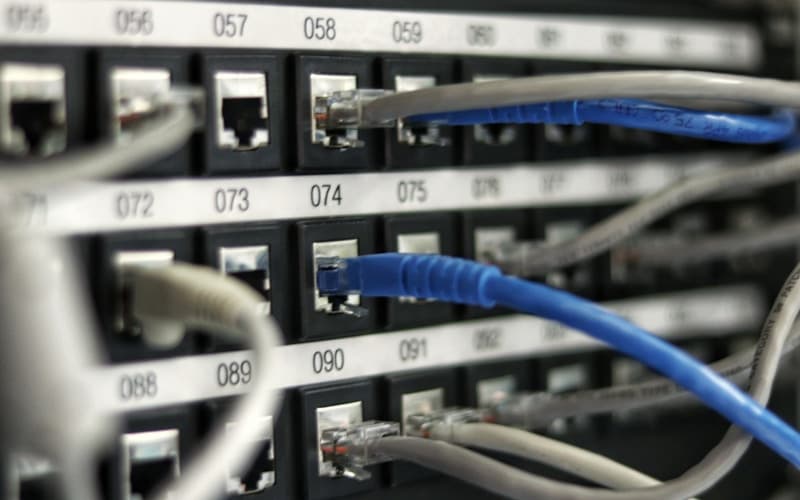
Structured cabling is a planned system of network cables, outlets, cabinets, switches, patch panels, and labeling. It connects devices including:
- Computers and laptops
- Printers and scanners
- CCTV cameras
- Wireless access points
- IP phones and VoIP systems
- POS machines and terminals
- Servers and network storage
- Smart TVs and displays
Structured cabling creates a stable foundation for all business technology. Each cable is tested, certified, and documented for reliable performance.
What Wireless Networks Do Best
WiFi is essential for mobility. It serves:
- Laptops, phones, and tablets
- Guest access in lobbies and meeting rooms
- Mobile staff who move throughout the office
- Temporary workspaces and hot-desking areas
A business needs WiFi, but WiFi should not carry everything. Understanding its limitations prevents costly performance problems.
Why Cabling Is Still Important
Important business systems should be wired where possible:
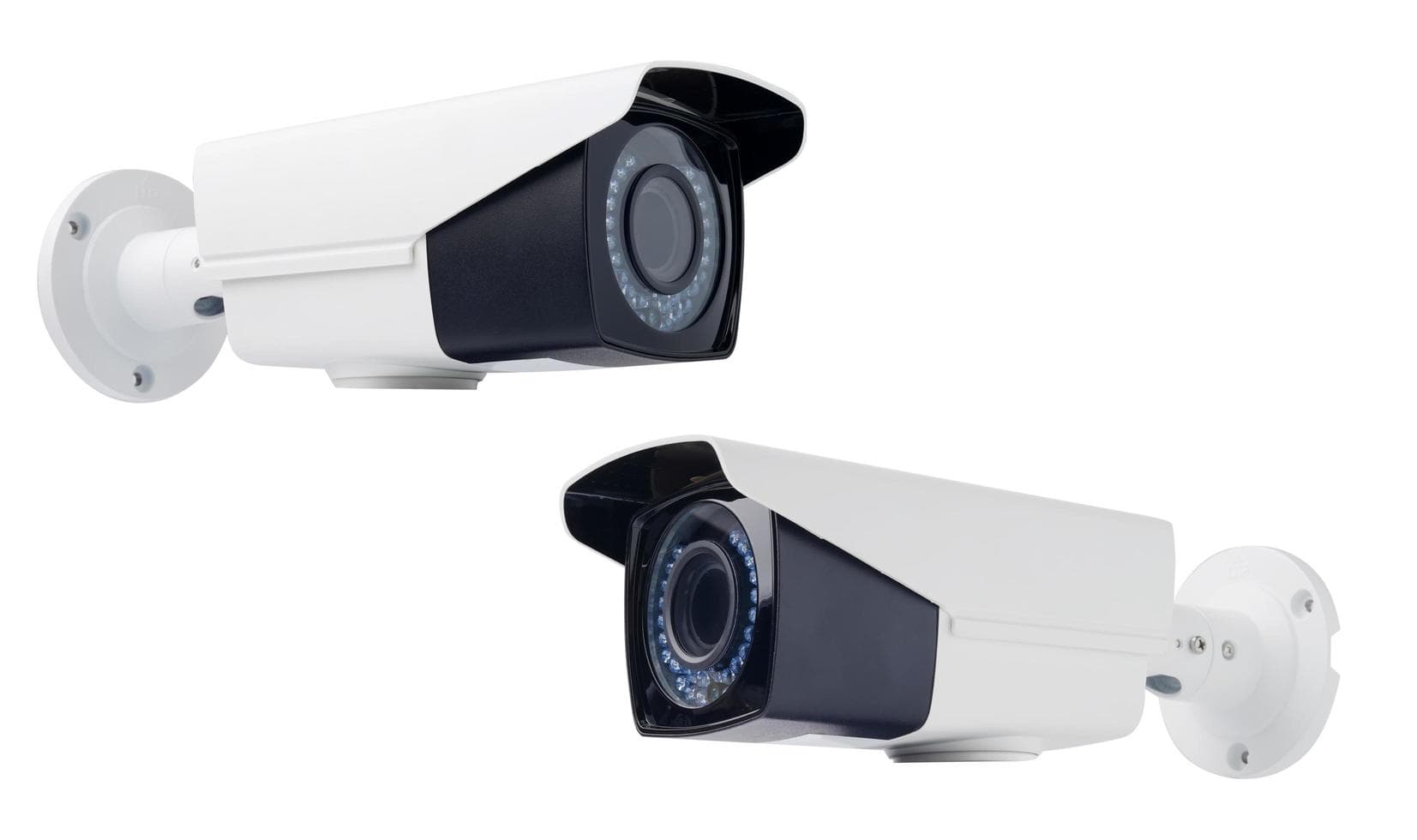
- CCTV cameras — require consistent bandwidth for video streams
- POS systems — cannot tolerate connectivity drops during transactions
- Desktop computers — benefit from dedicated, high-speed connections
- Servers — demand reliable, low-latency access
- Network printers — require stable connectivity for shared printing
- IP phones — need consistent bandwidth for clear voice quality
- Wireless access points — should be cabled back to switches via PoE
Wired connections are more stable, easier to troubleshoot, and better for critical systems. WiFi is convenient, but convenience should not replace reliability.
Best Approach: Use Both
The best office network uses structured cabling as the backbone and WiFi for mobility. For example:
- Cable the access points via PoE
- Cable the CCTV cameras for reliable video recording
- Cable the POS machines for uninterrupted transactions
- Cable the printers for shared network printing
- Cable the server for高速 data access
- Use WiFi for staff and guest mobile devices
This gives the business both stability and flexibility.
Common Mistakes to Avoid
Businesses often make these mistakes:
- Using cheap, non-certified cables that fail prematurely
- No cable labeling — makes troubleshooting a nightmare
- No network cabinet — disorganized, unprotected equipment
- Poor access point placement — dead zones and interference
- Too many users on one WiFi router — congestion and slow speeds
- Guest WiFi mixed with office network — security vulnerability
- No documentation — no baseline for troubleshooting
- No power backup for network equipment — downtime during outages
These mistakes create slow internet, downtime, and security risks. Professional installation avoids these pitfalls.
Technical Specifications
Structured Cabling Standards
- Cat6 — 1 Gbps, 250 MHz bandwidth, 100-meter maximum channel
- Cat6a — 10 Gbps, 500 MHz bandwidth, 100-meter maximum channel
- Fiber optic — 10 Gbps to 400 Gbps depending on transceiver, multi-kilometer distances
- Testing standard — TIA-568 with Fluke DSX-8000 certification
WiFi Standards
- WiFi 5 (802.11ac) — Theoretical 3.5 Gbps, real-world 100–300 Mbps
- WiFi 6 (802.11ax) — Theoretical 1.2 Gbps per access point, better density handling
- WiFi 6E — Extended 6 GHz band for reduced interference
Cost Comparison for Uganda
| Factor | Structured Cabling | WiFi |
|---|---|---|
| Initial cost (20 users) | UGX 4–6 million | UGX 1–2 million |
| Annual maintenance | UGX 200–500K | UGX 300–600K |
| Lifespan | 15–20 years | 3–5 years |
| Reliability | 99.9% | 95–98% |
| Speed | 1–10 Gbps | 100–300 Mbps |
Conclusion
Structured cabling is not old-fashioned. It is the foundation of a reliable business network. WiFi provides convenience. Cabling provides stability.
Businesses that need reliability and flexibility should use both — cabling as the backbone for critical systems, WiFi for mobile devices and guest access.
Request Free Site Survey — Our engineers will assess your office and design the optimal network infrastructure.
Backspace Business Solutions provides structured cabling, CCTV, WiFi setup, and power infrastructure for businesses in Uganda.
Frequently Asked Questions
What is structured cabling and why is it important for businesses?▼
How long does a structured cabling installation take?▼
What cable categories should I use for my office network?▼
How often should structured cabling be inspected?▼
Can structured cabling support both data and voice applications?▼
Continue reading
More articles in Structured Cabling →