Hotel WiFi Infrastructure in Kampala: Complete Setup Guide
Set up reliable WiFi infrastructure for your Kampala hotel. Guest WiFi, bandwidth management, and more.
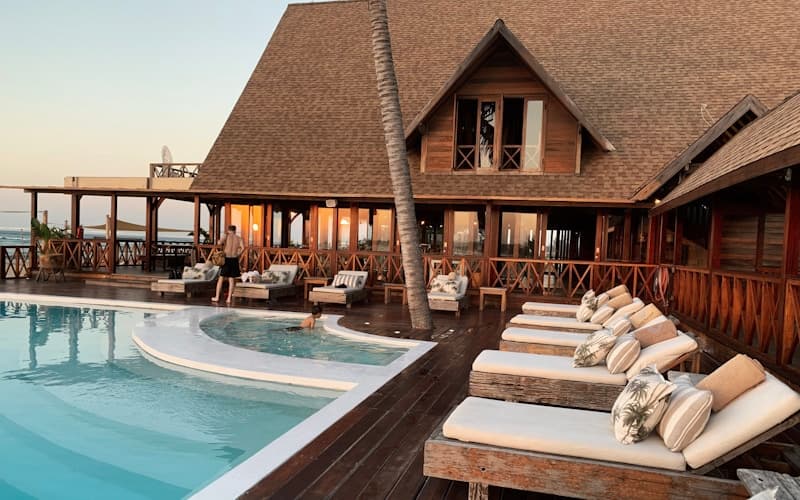
Hotel WiFi infrastructure is a critical investment that directly impacts guest satisfaction, online reviews, and repeat bookings. Hotels in Kampala that provide reliable, high-speed WiFi consistently outperform competitors in guest ratings and revenue per available room. A properly designed and installed WiFi system handles the demands of modern travelers who expect seamless connectivity throughout your property.
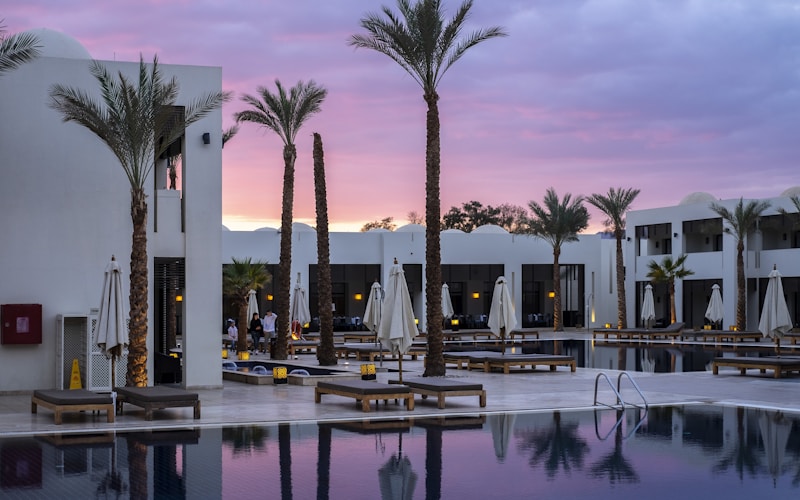
The hospitality industry in Kampala is growing rapidly, with new hotels opening and existing properties upgrading to meet international standards. WiFi infrastructure is no longer a nice-to-have amenity but an essential utility that guests expect as a standard feature. This guide covers the complete process of planning, designing, and deploying hotel WiFi that exceeds guest expectations.
Understanding Hotel WiFi Requirements
Guest Expectations
Today's hotel guests view WiFi as essential infrastructure, not a premium amenity. They expect:
- High speed with 50 to 100+ Mbps available per room for streaming and video calls
- Reliable connectivity with consistent performance during peak usage hours
- Full coverage that extends from guest rooms to lobby, restaurant, pool, and conference areas
- Multiple device support for phones, laptops, tablets, and smart TVs
- Simple access through a branded login page that requires minimal effort
Business Impact
Quality WiFi directly affects hotel revenue and reputation:
- Online reviews where WiFi quality is one of the top factors guests mention
- Corporate travelers who require reliable connectivity for business operations
- Room rates because superior WiFi justifies premium pricing
- Guest loyalty through positive experiences that drive repeat bookings
- Competitive advantage that differentiates your property in Kampala's growing hotel market
WiFi Design for Hotels
Coverage Planning
Proper coverage planning eliminates dead zones and ensures consistent guest satisfaction:
Guest rooms require one access point serving every two to four rooms, depending on wall construction and room layout. Concrete walls and metal structures attenuate signals more than drywall, requiring additional access points for adequate coverage.
Lobby and public areas need high-density access points that handle many simultaneous users during check-in, check-out, and social events. These areas typically see the highest concurrent device counts.
Restaurant and bar spaces need dedicated coverage for dining and socializing. Guests expect to stay connected while eating and drinking, and business travelers often use these spaces for informal meetings.
Conference rooms require high-capacity access points designed for dense user environments with dozens or hundreds of simultaneous connections during events and presentations.
Outdoor areas need weatherproof access points for pool decks, gardens, and terraces. These access points must withstand temperature variations, humidity, and precipitation while providing consistent coverage.
Capacity Planning
Capacity planning prevents network congestion during peak usage:
Bandwidth per guest should be at least 5 to 10 Mbps minimum, with 20 to 50 Mbps for premium properties. Business hotels should plan for higher bandwidth to accommodate video conferencing and large file transfers.
Concurrent users should be planned at 80% room occupancy with 2 to 3 devices per guest. This provides adequate headroom for peak usage without over-investing in unused capacity.
Peak usage occurs during evenings when guests stream video content, browse social media, and make video calls. Network capacity must handle these peak loads without degradation.
Network Architecture
A well-designed network architecture provides both security and performance:
Separate SSIDs for guest, staff, and IoT networks ensure traffic isolation and security. Guest traffic never mixes with operational systems, protecting sensitive hotel data.
VLAN segmentation isolates different types of traffic and enables quality of service policies that prioritize critical applications. Guest browsing, staff operations, and IoT devices each receive appropriate network resources.
Bandwidth management with fair usage policies ensures consistent performance for all guests. Per-user or per-device limits prevent any single user from consuming excessive bandwidth.
Captive portal with hotel branding provides a professional login experience and captures guest information for marketing purposes. Terms of use protect the hotel from liability.
WiFi Technology for Hotels
Access Points
Selecting the right access points ensures optimal coverage and performance:
Indoor access points for guest rooms and public areas should support the latest WiFi standards including WiFi 6 and WiFi 6E for maximum throughput and device density.
Outdoor access points must be weatherproof with IP67 or higher ratings to withstand Kampala's climate. These should support extended temperature ranges and provide adequate coverage for outdoor areas.
High-density access points for conference rooms and ballrooms are specifically designed to handle many simultaneous connections without performance degradation.
Controllers
Centralized controllers manage the entire WiFi network from a single interface:
Cloud-based controllers can be managed remotely via the internet, making them ideal for hotel groups with multiple properties or for management that needs visibility from anywhere.
On-premise controllers provide local management with full control and do not depend on internet connectivity for network management operations.
Hybrid controllers combine cloud management with local processing, providing the benefits of both approaches.
Management Software
Management software gives the hotel visibility and control over the WiFi network:
Guest analytics reveal usage patterns, popular areas, peak times, and bandwidth consumption by application. This data informs optimization decisions and capacity planning.
Bandwidth management tools control speeds per user, device, or application, ensuring fair distribution and preventing abuse.
Content filtering blocks inappropriate content when needed, particularly useful for family-friendly properties.
Reporting tools track performance metrics, guest satisfaction, and network health over time.
Implementation Process
Step 1: Site Survey
A thorough site survey forms the foundation of a successful WiFi deployment:
- Map all areas requiring WiFi coverage including rooms, public spaces, and outdoor areas
- Identify interference sources such as neighboring networks, electronic devices, and building materials
- Determine optimal access point locations based on building layout and usage patterns
- Plan cable routes for power and data connections
Step 2: Design
The design phase translates survey findings into a concrete implementation plan:
- Select appropriate access points based on coverage and capacity requirements
- Design the network architecture including VLANs, security policies, and quality of service
- Plan bandwidth allocation across guest and operational networks
- Create a detailed implementation timeline that minimizes disruption to hotel operations
Step 3: Installation
Professional installation ensures reliable long-term performance:
- Install cabling infrastructure throughout the property according to design specifications
- Mount access points at optimized locations with proper power and data connections
- Configure controllers and management software with appropriate policies
- Set up the captive portal with hotel branding and terms of use
Step 4: Testing
Thorough testing validates the deployment meets all requirements:
- Verify coverage throughout every area of the property using heat mapping tools
- Test speeds in all areas during both peak and off-peak hours
- Validate security settings and network isolation between guest and operational networks
- Confirm the guest experience from login through browsing meets expectations
Step 5: Optimization
Ongoing optimization maintains peak performance as usage patterns evolve:
- Fine-tune access point settings based on real-world usage data
- Adjust bandwidth policies to balance guest needs with network capacity
- Monitor usage patterns to anticipate future capacity requirements
- Make continuous improvements based on guest feedback and performance metrics
Cost Considerations
Initial Investment
| Hotel Size | WiFi System Cost | Installation | Total |
|---|---|---|---|
| Small (20-40 rooms) | UGX 5-10M | UGX 2-4M | UGX 7-14M |
| Medium (40-100 rooms) | UGX 10-20M | UGX 4-8M | UGX 14-28M |
| Large (100+ rooms) | UGX 20-40M | UGX 8-16M | UGX 28-56M |
Monthly Operating Costs
| Item | Small Hotel | Medium Hotel | Large Hotel |
|---|---|---|---|
| Internet bandwidth | UGX 500K-1M | UGX 1-2M | UGX 2-4M |
| Software licenses | UGX 100-200K | UGX 200-500K | UGX 500K-1M |
| Maintenance | UGX 100-200K | UGX 200-400K | UGX 400-800K |
| Total | UGX 700K-1.4M | UGX 1.4-2.9M | UGX 2.9-5.8M |
Best Practices
Invest in enterprise-grade equipment that handles the demanding environment of hotel operations. Plan for density by accounting for peak usage during evenings and weekends when guests stream content and make video calls. Separate networks for guests, staff, and IoT devices to improve security and performance. Monitor performance continuously by tracking speeds and usage across the property. Train staff so they can troubleshoot basic issues and assist guests promptly.
Backspace Business Solutions designs and installs hotel WiFi infrastructure for hotels throughout Kampala and Uganda.
Frequently Asked Questions
What IT solutions are essential for hotels and restaurants?▼
How can I improve guest WiFi experience in my hotel?▼
What is a Property Management System (PMS)?▼
How do I secure guest data in hospitality IT systems?▼
Can hospitality IT systems integrate with online booking platforms?▼
Continue reading
More articles in Hospitality IT →